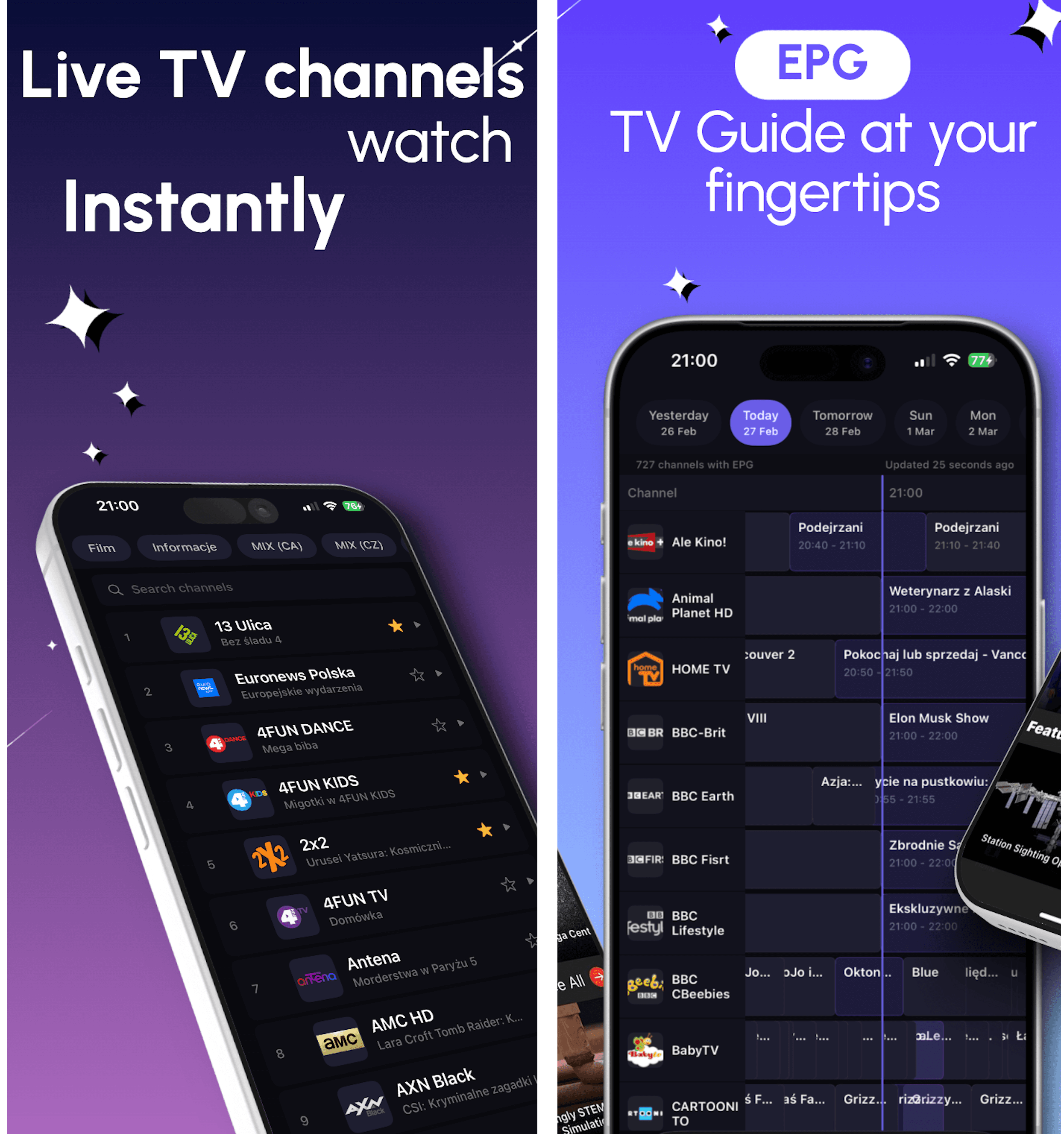
XMLTV EPG-Leitfaden

XMLTV EPG Player Guide for IPTV on iPhone and Android | DaddyTV

DaddyTV keeps XMLTV EPG separate from playlist setup, so you can build guide support around the IPTV source you already use.

Connect XMLTV only when you want TV guide. DaddyTV supports guide data as a separate layer on top of M3U, Xtream Codes, or Stalker, which keeps playback setup more flexible.

Add XMLTV as a separate guide source
Use EPG with M3U, Xtream Codes, or Stalker
Keep playlist setup simple and guide setup optional
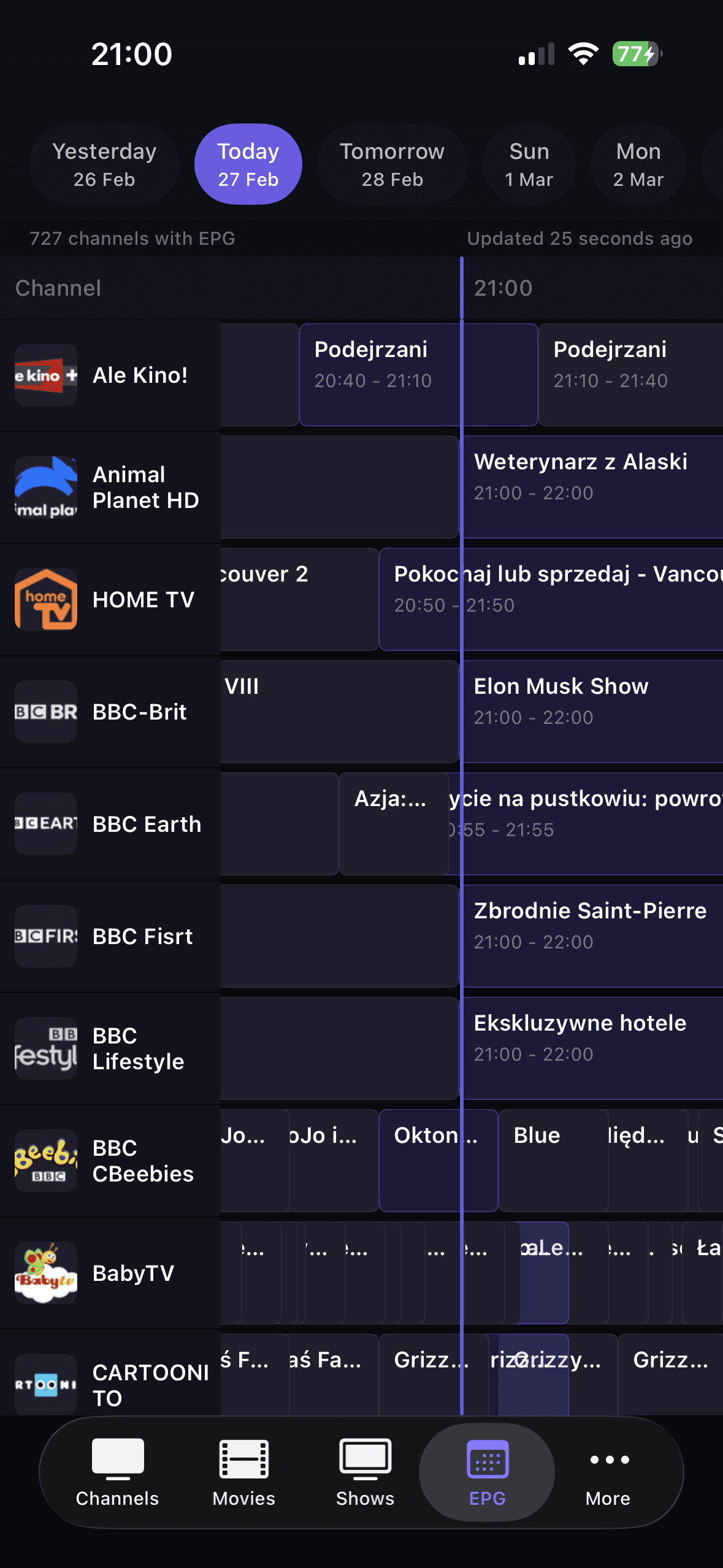
DaddyTV XMLTV EPG-Timeline

Am besten für

  • Users who already have an IPTV source but want better TV guide coverage
  • People who prefer optional guide setup instead of baking it into the playlist import
  • Anyone who wants current and upcoming program context while browsing live channels
Kompatibel mit

XMLTV EPG feedM3U playlistsXtream Codes accountsStalker portals

Warum dieser Ablauf funktioniert

XMLTV EPG Player Guide for IPTV on iPhone and Android | DaddyTV

TV-Guide als separate Ebene

DaddyTV does not force EPG into the playlist import. XMLTV can be connected when you need TV guide and skipped when you do not.

Funktioniert über alle Quelltypen hinweg

M3U, Xtream Codes, and Stalker can all benefit from XMLTV when you want better current and next-program visibility.

Für den schnellen täglichen Start ins Live-TV gemacht

Guide data is most useful when it helps you jump back into channels quickly. That is where favorites, categories, and DaddyTV's layout help most.

So fangen Sie an

So fangen Sie an

1

Set up your IPTV source first in DaddyTV.

2

Open EPG setup and add your XMLTV source separately.

3

Refresh guide data and open live channels.

4

Use now and next context to return to content faster.

Kernbildschirme

Kernbildschirme

XMLTV EPG-Zeitleiste
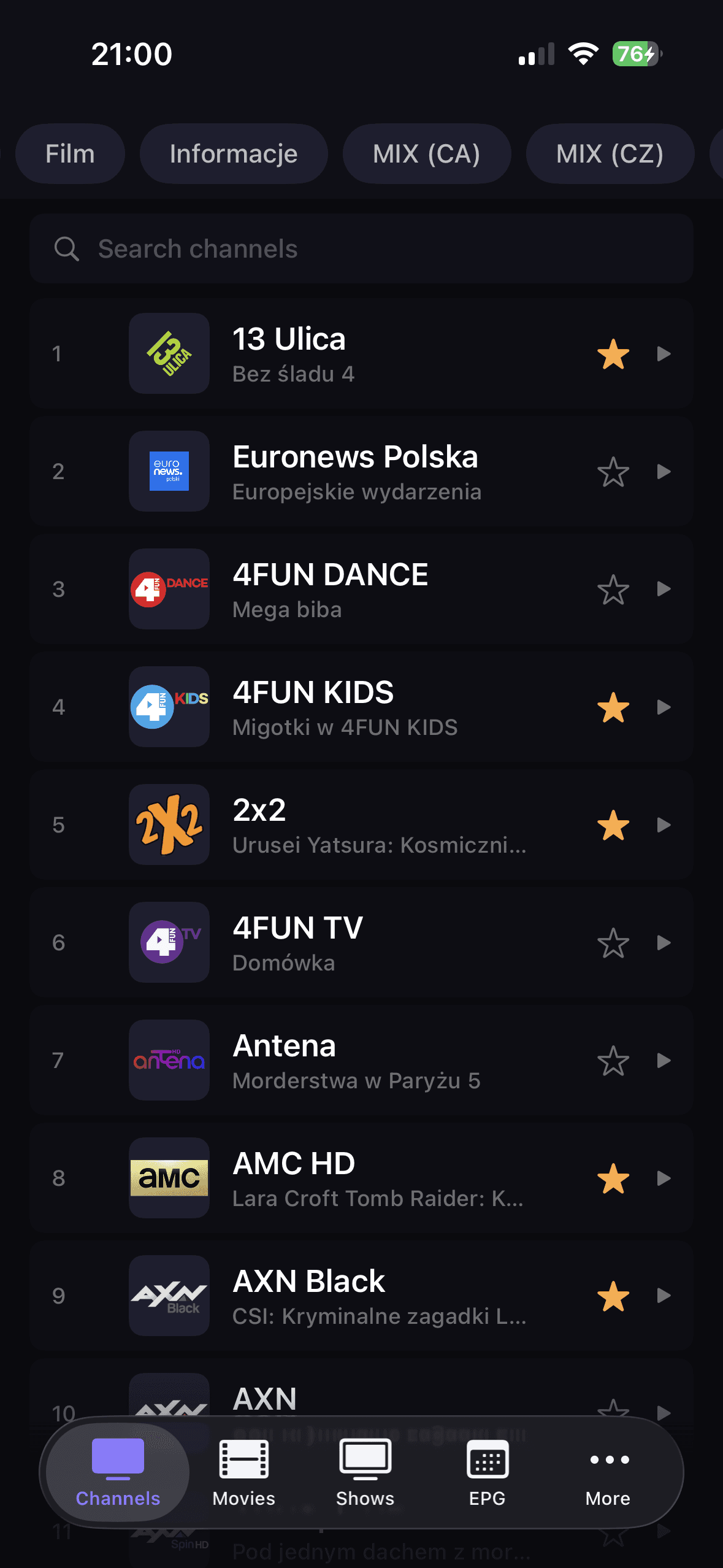
Live-Kanäle mit Guide-Kontext
DaddyTV-Einrichtungsablauf mit optionalem EPG

FAQ

Kann ich XMLTV EPG separat nutzen?

Ja. DaddyTV behandelt XMLTV als separate Setup-Ebene über Ihrer IPTV-Quelle.

Funktioniert XMLTV mit M3U- und Xtream-Codes?

Ja. DaddyTV ist für die Verwendung von XMLTV zusammen mit M3U-, Xtream-Codes- und Stalker-Setups konzipiert.

Benötige ich EPG, um DaddyTV nutzen zu können?

Nein. EPG ist optional. Sie können DaddyTV ohne Leitdaten verwenden und XMLTV später bei Bedarf hinzufügen.

Wichtig

DaddyTV does not provide XMLTV feeds, channels, or playlists. It only lets you connect guide data to sources you already use.

Passende Anleitungen

M3U Player for IPTV on iPhone and Android | DaddyTV

DaddyTV works as an M3U player for people who want one app for live TV, movies, shows, and optional EPG instead of a raw playlist viewer.

Anleitung öffnen

Xtream Codes Player for iPhone and Android | DaddyTV

DaddyTV works as an Xtream Codes player that keeps setup clear and playback fast across live channels and VOD.

Anleitung öffnen

Stalker IPTV Player for iPhone and Android | DaddyTV

DaddyTV supports Stalker portals for users who want the same IPTV app across mobile devices without rebuilding their setup around another format.

Anleitung öffnen

XMLTV EPG Player Guide for IPTV on iPhone and Android | DaddyTV

Add XMLTV EPG to DaddyTV on iPhone, iPad, and Android and use TV guide alongside M3U, Xtream Codes, or Stalker sources.

Im App Store herunterladenHolen Sie es sich bei Google Play