
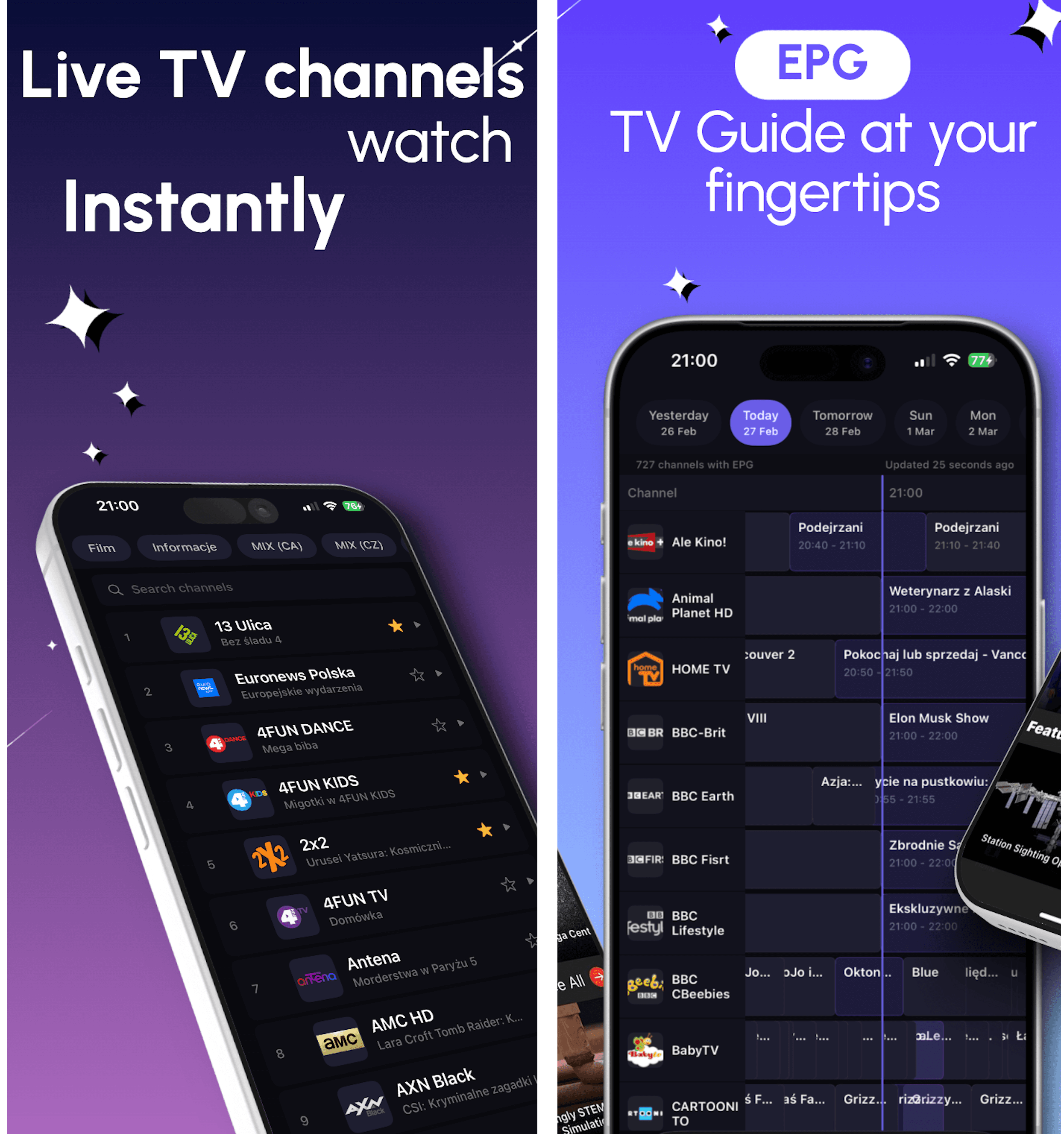
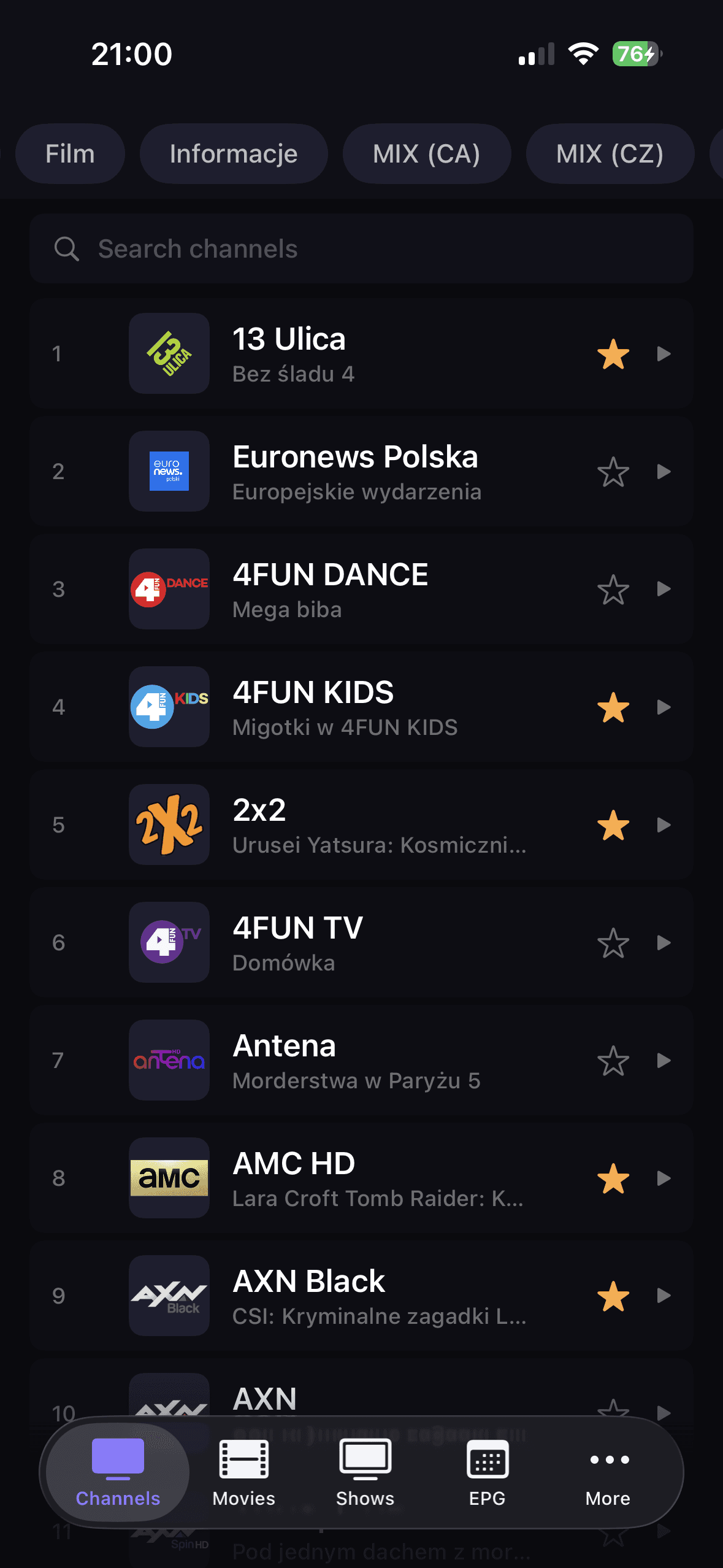
IPTV Player for iPhone and iPad | DaddyTV for iOS
Use your own M3U playlist, Xtream Codes account, or Stalker portal on iPhone and iPad with live TV, movies, shows, and XMLTV EPG in one fast IPTV player.
iOS + Android + Android TV
Choose the DaddyTV experience that fits your device: iPhone and iPad, Android phones and tablets, or Android TV in the living room.
This hub is built for people searching for the best IPTV player by device. It compares how DaddyTV handles playlist setup, EPG, playback, favorites, and day-to-day watching on each platform.
Use your own M3U playlist, Xtream Codes account, or Stalker portal on iPhone and iPad with live TV, movies, shows, and XMLTV EPG in one fast IPTV player.
Use your own M3U playlist, Xtream Codes account, or Stalker portal on Android phones and tablets with live TV, movies, shows, and XMLTV EPG in one IPTV player.
DaddyTV on Android TV is a remote-friendly IPTV player for live channels, movies, shows, and EPG on the big screen.
Looking for an IPTV player for iOS? DaddyTV on iPhone and iPad lets you use your own M3U, Xtream Codes, or Stalker source for live TV, movies, shows, EPG, favorites, and PiP in one app.
Looking for an IPTV player for Android? DaddyTV lets you use your own M3U, Xtream Codes, or Stalker source for live TV, movies, shows, EPG, favorites, and a cleaner player flow in one app.
Looking for an IPTV player for Android TV? DaddyTV gives you a TV-first layout, fast access to channels, favorites, EPG, and a cleaner viewing flow from the remote.
Which version is right for you?
Use this quick comparison to decide where to start and then open the dedicated platform guide.
| Category | iOS | Android | Android TV |
|---|---|---|---|
| Best fit | iPhone and iPad with PiP and route controls | Android phones and tablets for daily IPTV use | Living-room playback with remote navigation |
| Playlist setup | M3U, Xtream Codes, Stalker | M3U, Xtream Codes, Stalker | M3U, Xtream Codes, Stalker |
| Guide support | Optional XMLTV EPG with timeline and reminders | Optional XMLTV EPG with cache and refresh | TV guide workflow optimized for remote use |
| Playback experience | Native AVPlayer features plus unified controls | Fast mobile playback across live and VOD | Lean-back playback with TV-first navigation |
Resources
Use these hubs when the question is no longer only which device fits best, but also which source format or troubleshooting path makes the most sense.
Compare M3U, Xtream Codes, Stalker, and XMLTV in one evergreen guide.
Open guidePlain-language definitions for the terms users hit during setup and troubleshooting.
Open guideThe fastest path from symptom to the right diagnostic or setup guide.
Open guideUnderstand what changes between iPhone, Android, and Android TV setups.
Open guideUse the iOS version. It is tuned for iPhone and iPad, including PiP, favorites, search, and mobile player controls.
Yes. Android TV uses a large-screen layout and focus behavior designed for remote control.
Usually yes, if your IPTV provider allows it. DaddyTV itself supports the same playlist formats across platforms.