
Best for
- People who watch IPTV mainly on a TV in the living room
- Users who want remote-friendly navigation and fast access to favorites
- Anyone who needs live TV, VOD, and EPG on a large screen
IPTV Player Android TV
Looking for an IPTV player for Android TV? DaddyTV gives you a TV-first layout, fast access to channels, favorites, EPG, and a cleaner viewing flow from the remote.
Install DaddyTV on Android TV, add your own IPTV source, and watch live channels, movies, and shows from a layout built for the big screen and remote navigation. DaddyTV is a player app for daily use, not a content provider.
Best for
Supported formats
What you can do on this platform
DaddyTV on Android TV uses clear rows, larger targets, and faster movement by remote between sections and playback.
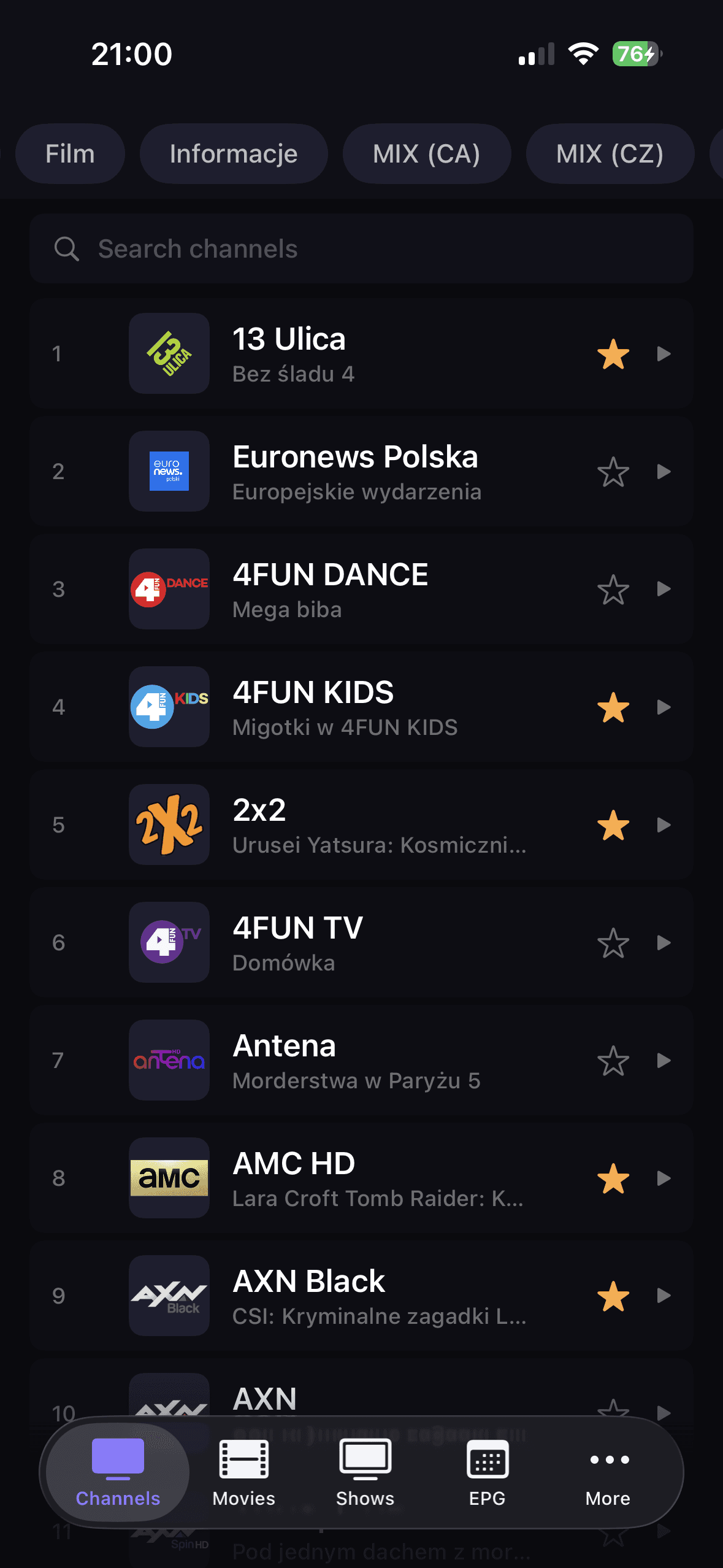
Live channels, movies, shows, and favorites stay easy to reach on the TV screen, so you spend less time navigating and more time watching.
You can use the same source types as on iOS and Android while keeping a similar playlist, EPG, and favorites workflow.
How to get started
Install DaddyTV on your Android TV device.
Add your source with M3U, Xtream Codes, or Stalker.
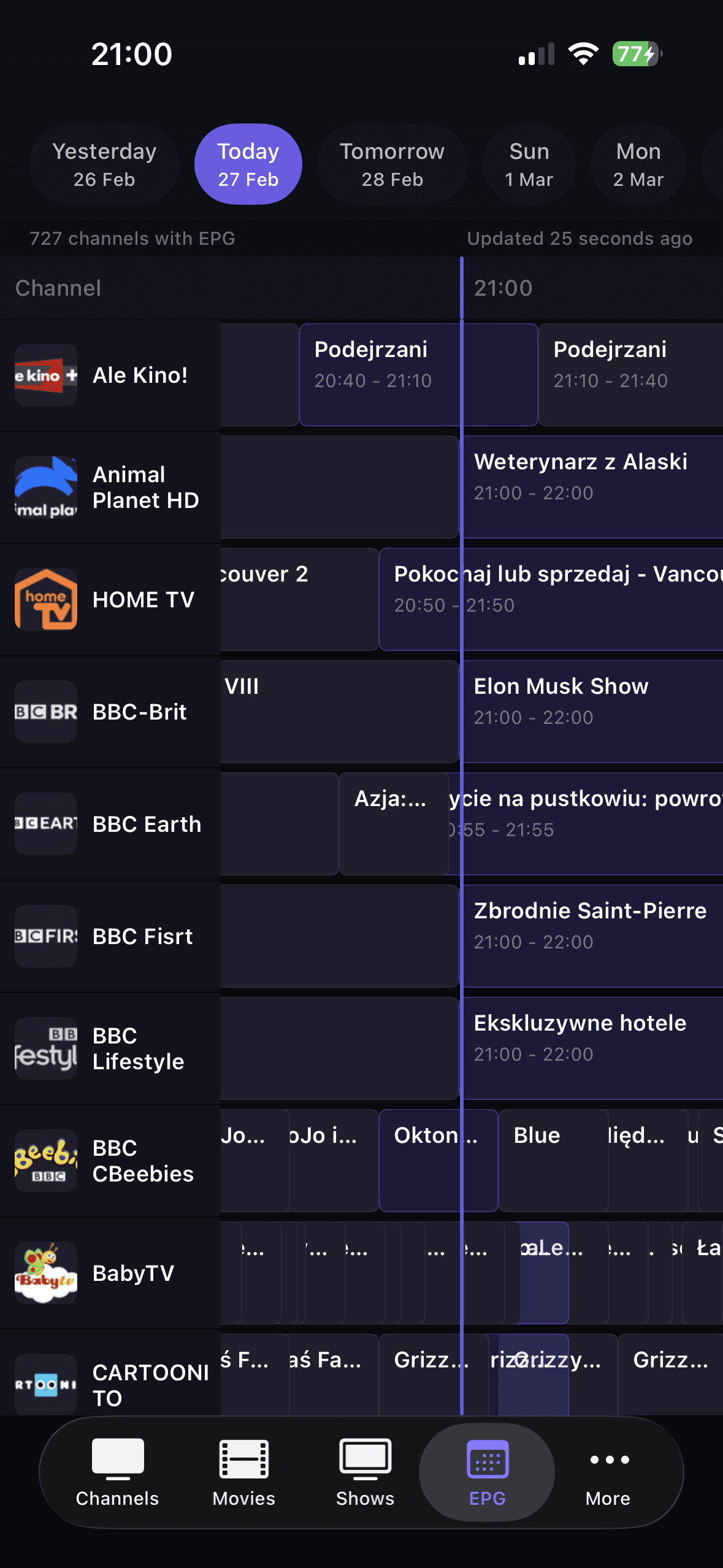
Optionally connect XMLTV EPG to enable TV Guide.
Pin favorites and start watching from a layout built for the remote.
Core screens
FAQ
Yes. The Android TV version uses a larger layout and focus behavior built for remote control.
Usually yes, if your source provider allows it. DaddyTV supports the same playlist formats across these platforms.
Yes. You can connect XMLTV and use TV Guide features on Android TV as well.
No. DaddyTV is an IPTV player and works only with user-added sources.
Related resources
Use these hubs when the question shifts from device choice to source format, IPTV terminology, or the fastest troubleshooting path.
Understand what changes between iPhone, Android, and Android TV setups.
Open guideCompare M3U, Xtream Codes, Stalker, and XMLTV in one evergreen guide.
Open guideThe fastest path from symptom to the right diagnostic or setup guide.
Open guidePlain-language definitions for the terms users hit during setup and troubleshooting.
Open guideDaddyTV on Android TV is a remote-friendly IPTV player for live channels, movies, shows, and EPG on the big screen.