
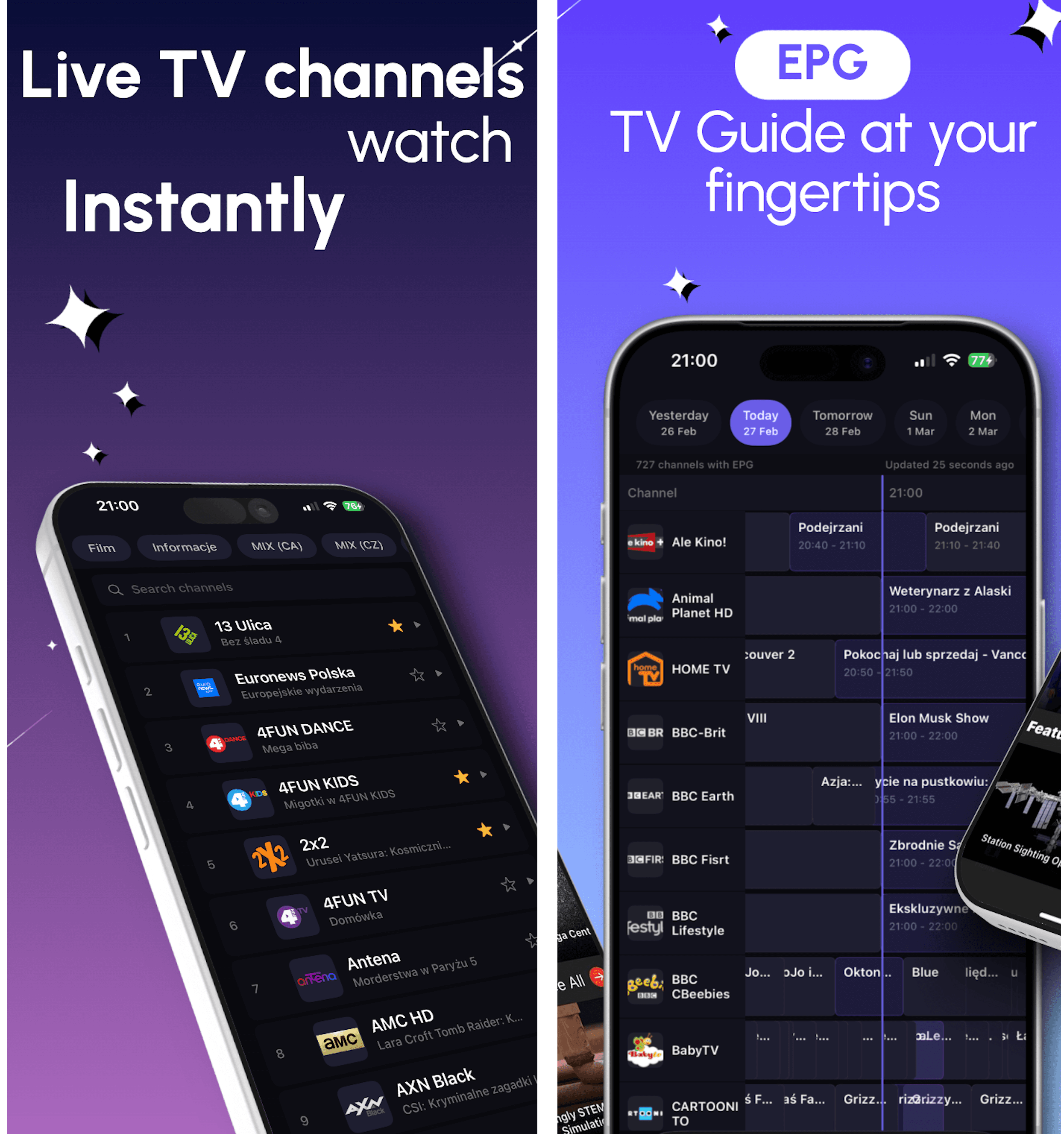
Lettore IPTV per iPhone e iPad | DaddyTV per iOS
Utilizza la tua playlist M3U, l'account Xtream Codes o il portale Stalker su iPhone e iPad con TV in diretta, film, programmi ed EPG XMLTV in un unico lettore IPTV veloce.
iOS + Android + Android TV
Choose the DaddyTV experience that fits your device: iPhone and iPad, Android phones and tablets, or Android TV in the living room.
This hub is built for people searching for the best IPTV player by device. It compares how DaddyTV handles playlist setup, EPG, playback, favorites, and day-to-day watching on each platform.
Utilizza la tua playlist M3U, l'account Xtream Codes o il portale Stalker su iPhone e iPad con TV in diretta, film, programmi ed EPG XMLTV in un unico lettore IPTV veloce.
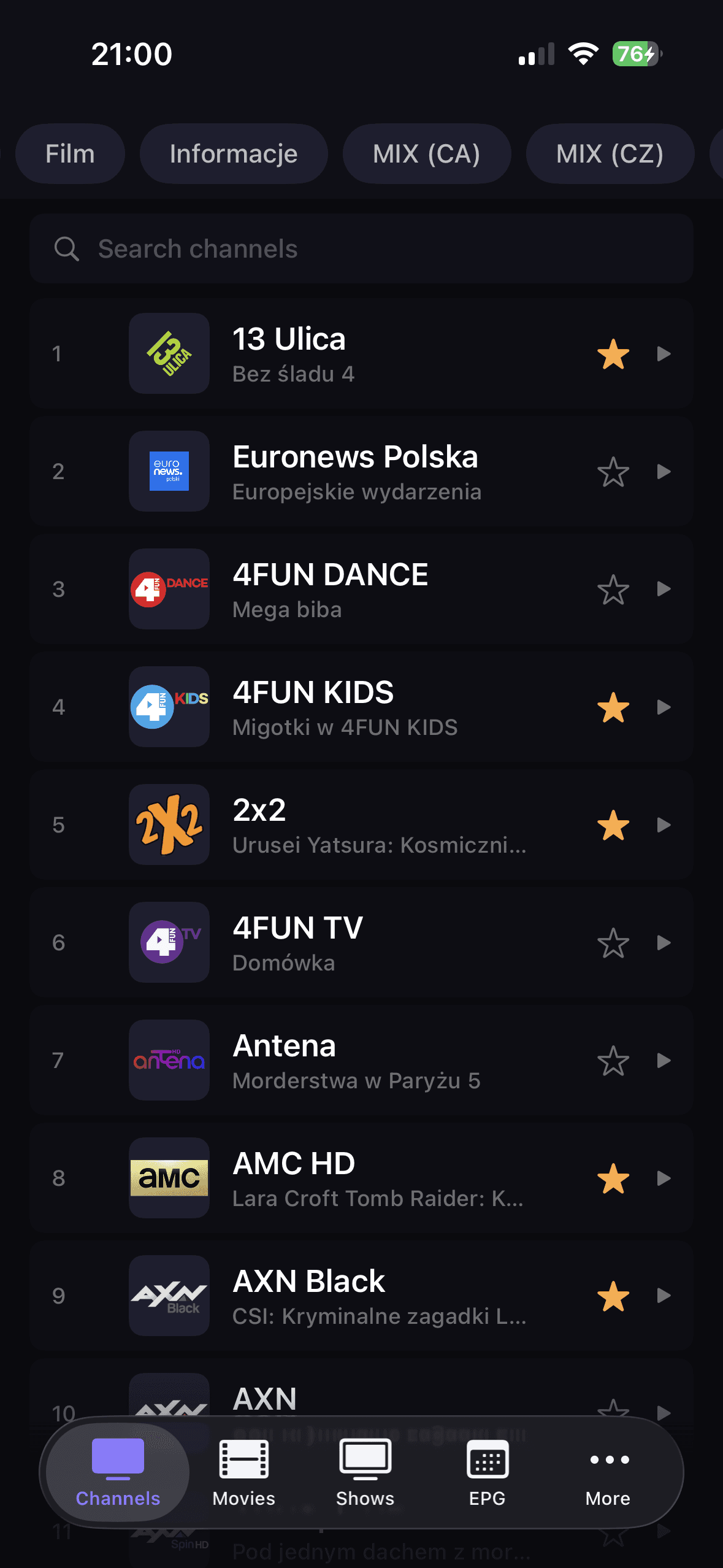
Utilizza la tua playlist M3U, l'account Xtream Codes o il portale Stalker su telefoni e tablet Android con TV in diretta, film, programmi ed EPG XMLTV in un lettore IPTV.
DaddyTV su Android TV è un lettore IPTV compatibile con il telecomando per canali live, film, programmi ed EPG sul grande schermo.
Cerchi un lettore IPTV per iOS? DaddyTV su iPhone e iPad ti consente di utilizzare la tua sorgente M3U, Xtream Codes o Stalker per TV in diretta, film, programmi, EPG, preferiti e PiP in un'unica app.
Cerchi un lettore IPTV per Android? DaddyTV ti consente di utilizzare la tua sorgente M3U, Xtream Codes o Stalker per TV in diretta, film, programmi, EPG, preferiti e un flusso di riproduzione più pulito in un'unica app.
Cerchi un lettore IPTV per Android TV? DaddyTV ti offre un layout incentrato sulla TV, un accesso rapido a canali, preferiti, EPG e un flusso di visualizzazione più pulito dal telecomando.
Quale versione è giusta per te?
Use this quick comparison to decide where to start and then open the dedicated platform guide.
| Categoria | iOS | Android | Android TV |
|---|---|---|---|
| Ideale per | iPhone e iPad con PiP e controlli del percorso | Telefoni e tablet Android per l'uso quotidiano dell'IPTV | Riproduzione in soggiorno con navigazione remota |
| Configurazione della playlist | M3U, Codici Xtream, Stalker | M3U, Codici Xtream, Stalker | M3U, Codici Xtream, Stalker |
| Supporto alla guida | EPG XMLTV opzionale con sequenza temporale e promemoria | EPG XMLTV opzionale con cache e aggiornamento | Flusso di lavoro della guida TV ottimizzato per l'uso remoto |
| Esperienza di riproduzione | Funzionalità native di AVPlayer più controlli unificati | Riproduzione mobile veloce dal vivo e VOD | Riproduzione rilassata con navigazione TV-first |
Utilizza la versione iOS. È ottimizzato per iPhone e iPad, inclusi PiP, preferiti, ricerca e controlli del lettore mobile.
SÌ. Android TV utilizza un layout a schermo grande e un comportamento di messa a fuoco progettato per il controllo remoto.
Di solito sì, se il tuo provider IPTV lo consente. Lo stesso DaddyTV supporta gli stessi formati di playlist su tutte le piattaforme.