Best for
- Users who watch IPTV on iPhone or iPad every day
- People who want PiP and audio route controls
- Anyone who needs one app for live TV, movies, and shows
IPTV on iOS
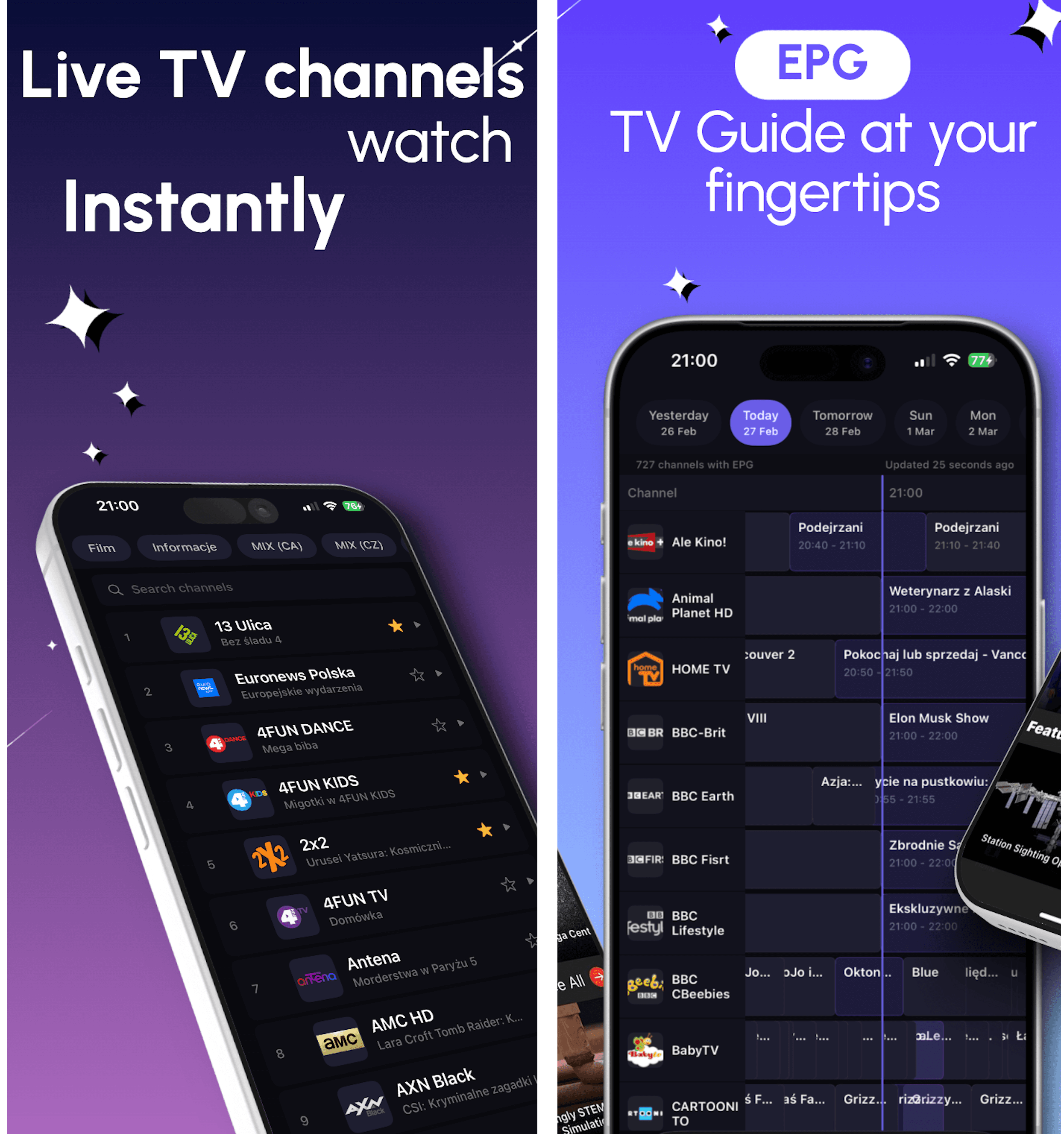
DaddyTV on iOS is built for people who want one IPTV player for live channels, VOD, and TV guide on iPhone or iPad.
Install DaddyTV on iPhone or iPad, add your M3U or Xtream playlist, connect XMLTV guide if needed, and keep everyday playback clean with favorites, PiP, and route controls.

Best for
Supported formats
What you can do on this platform
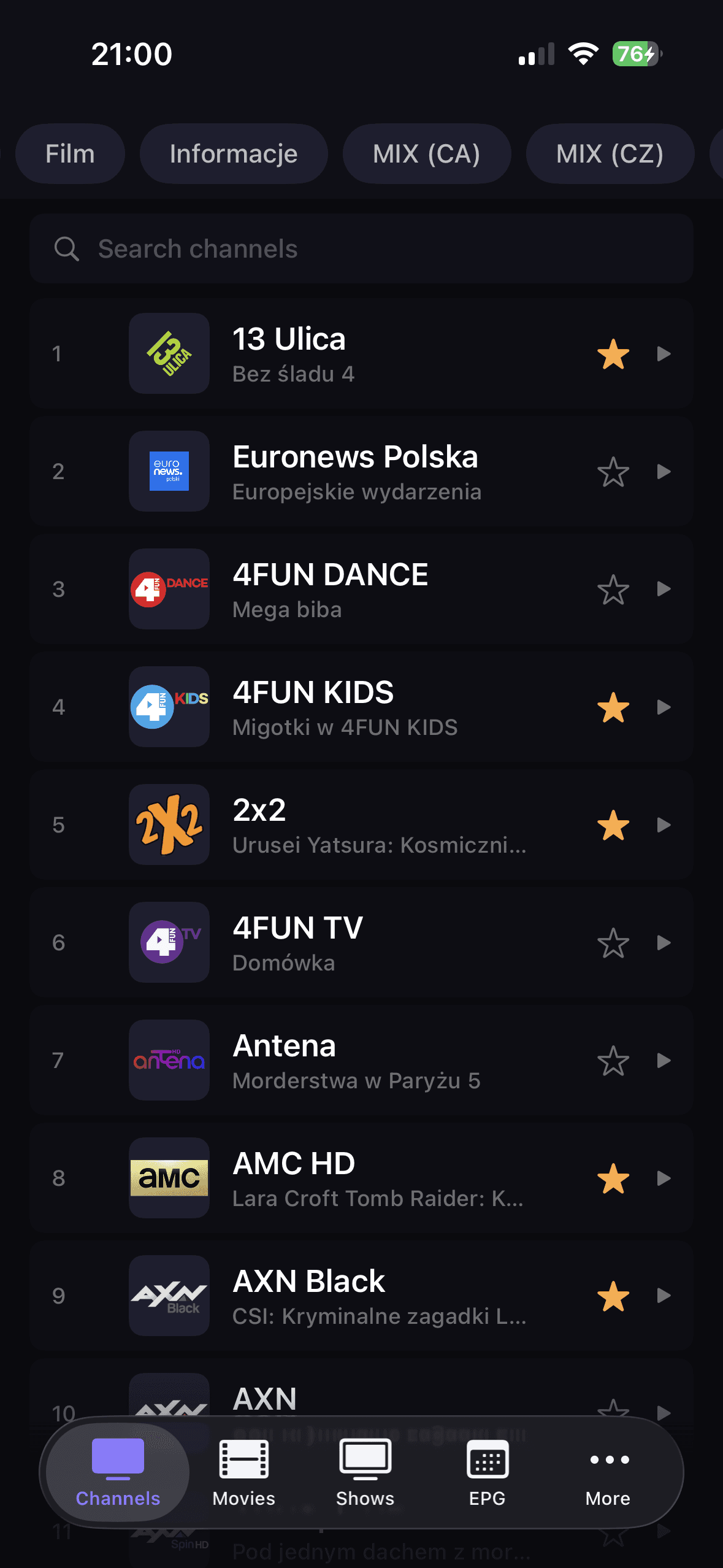
Open channels, movies, and shows from separate sections without switching between different IPTV tools.
Use a player experience aligned with iPhone and iPad expectations, including PiP, share sheet route controls, and responsive overlays.
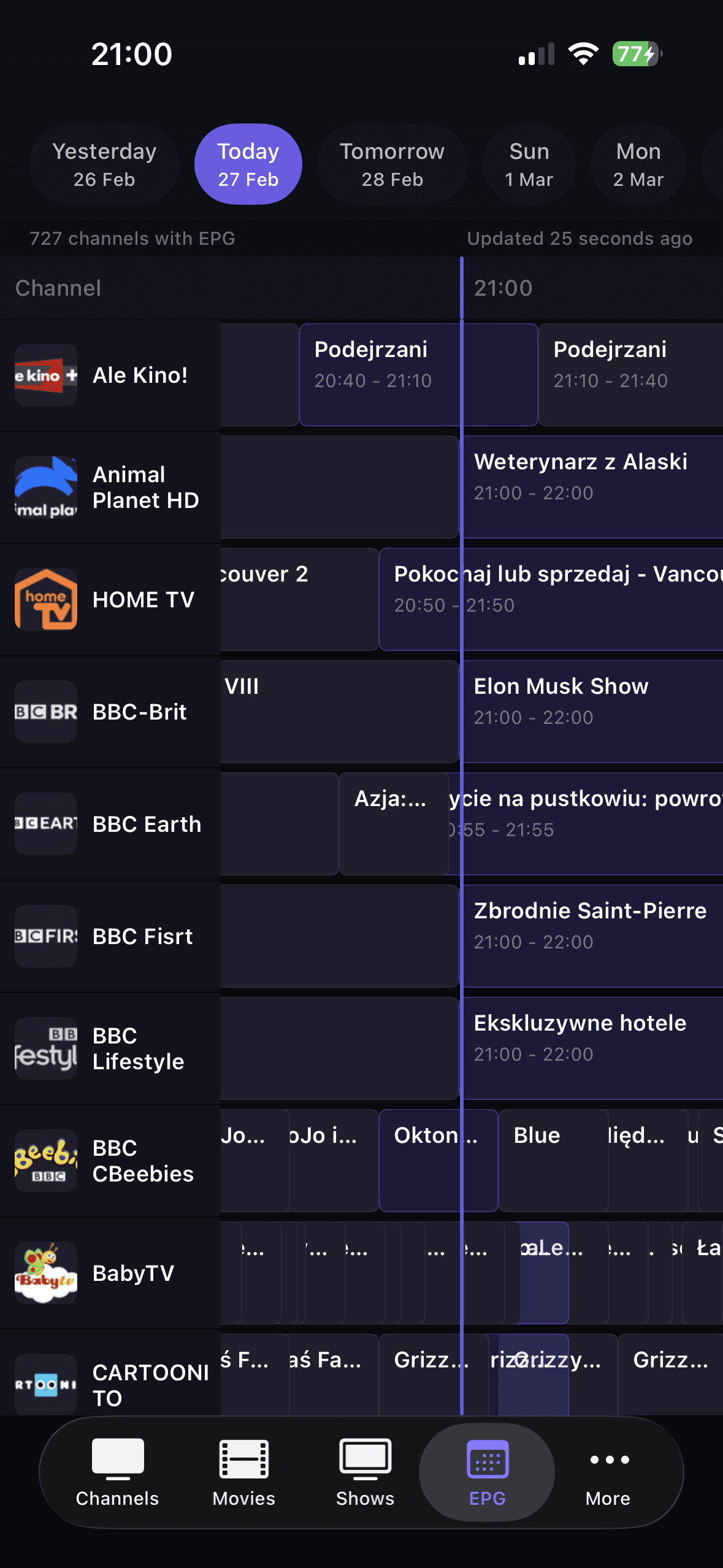
Add XMLTV EPG separately, browse current and upcoming broadcasts, and jump into playback from guide context.
How to get started
Install DaddyTV from the App Store.
Add your playlist source: M3U, Xtream Codes, or Stalker.
Optionally add XMLTV EPG for guide view and reminders.
Open Channels, Movies, or Shows and start playback instantly.
Core screens


FAQ
Yes. Picture in Picture is available when the playback source and iOS allow it.
Yes. DaddyTV exposes route controls directly from the player overlay.
Yes. XMLTV EPG is configured as a separate source, so you can connect it only when you need guide features.
Use DaddyTV on iOS for live TV, movies, shows, EPG, PiP, and a native playback flow.