
1. Adicione sua fonte de IPTV
DaddyTV oferece suporte a listas de reprodução M3U, contas Xtream Codes e portais Stalker, para que você possa começar com a fonte que já usa.
Configuração + EPG + reprodução
Aprenda como adicionar uma lista de reprodução M3U ou Xtream Codes, configurar XMLTV EPG e assistir canais, filmes e programas ao vivo no DaddyTV.
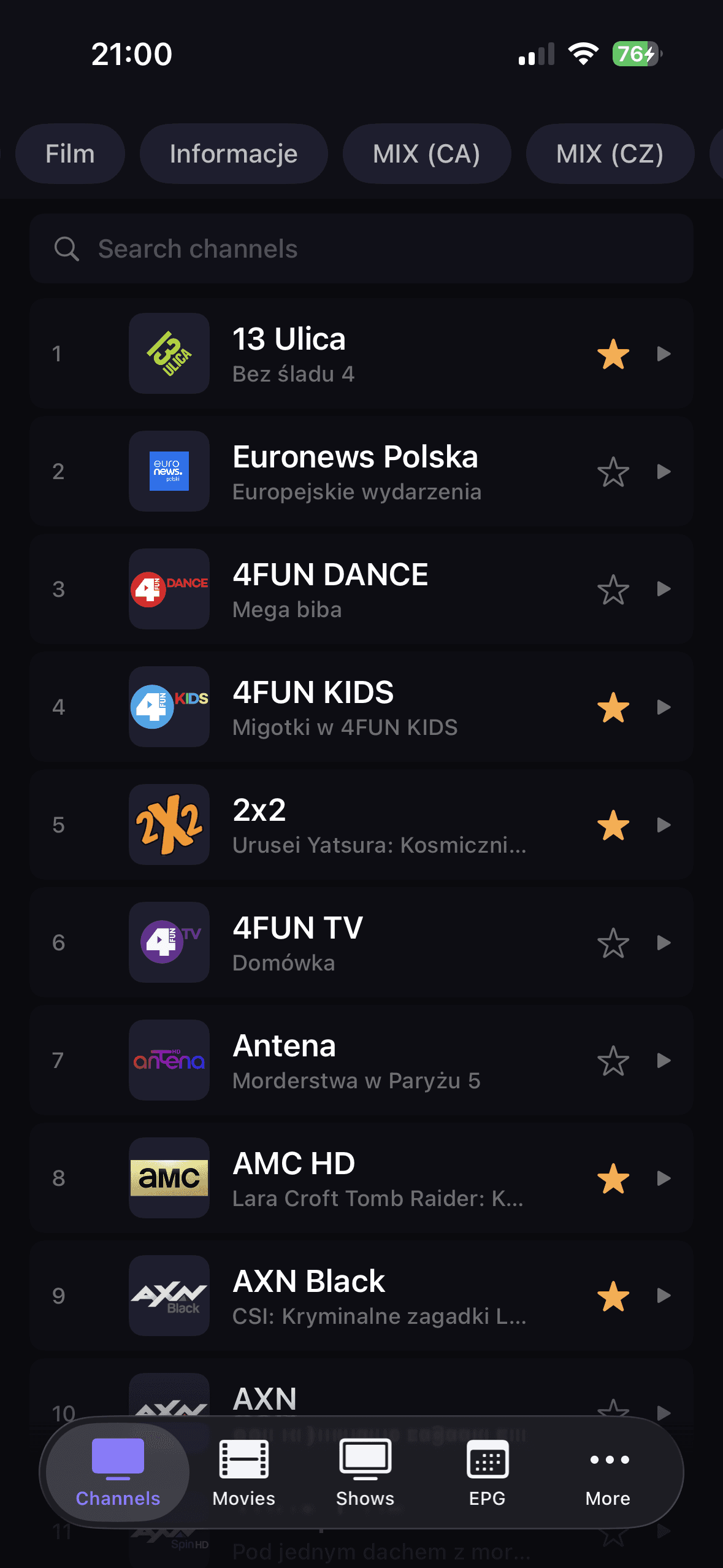
DaddyTV oferece suporte a listas de reprodução M3U, contas Xtream Codes e portais Stalker, para que você possa começar com a fonte que já usa.
XMLTV é configurado independentemente da lista de reprodução. Isso mantém a configuração do guia opcional e flexível.
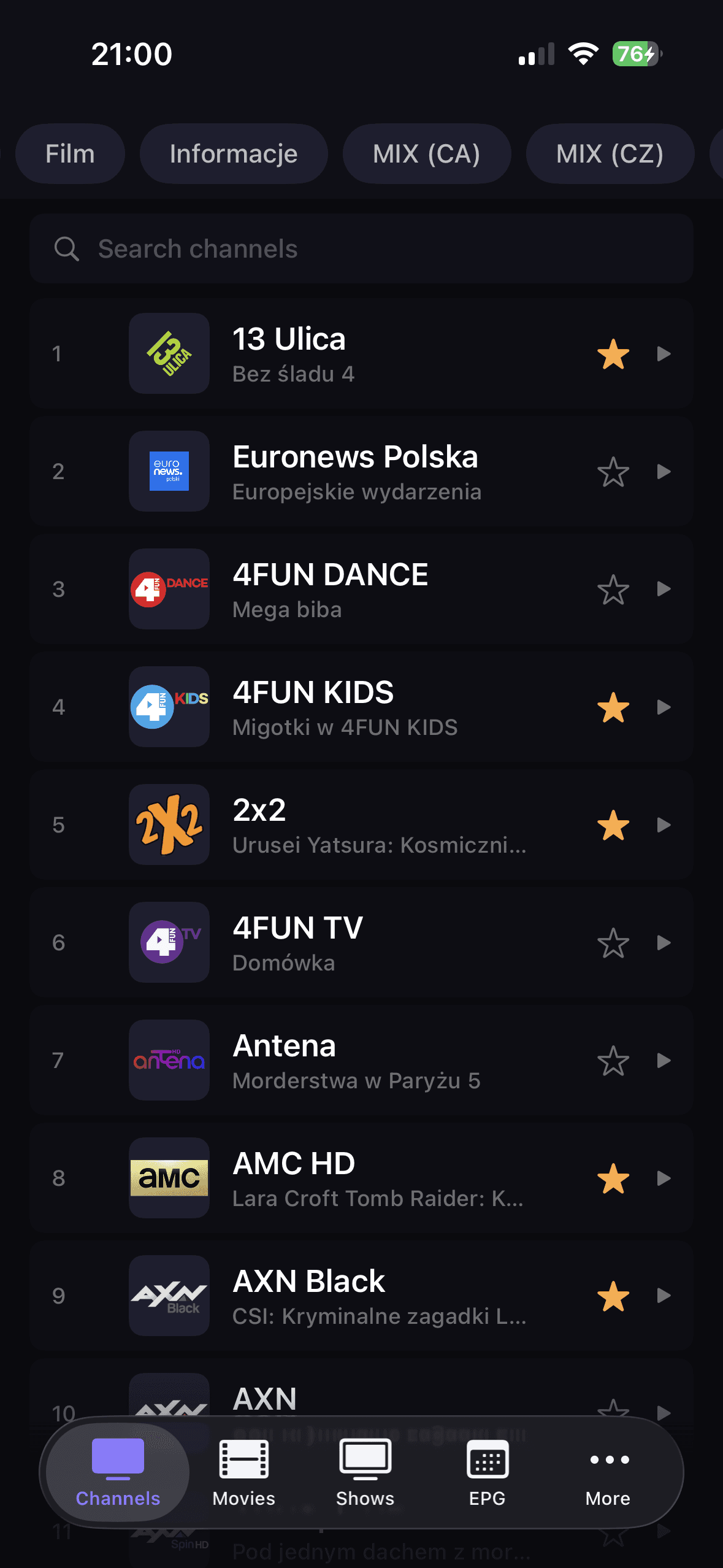
Canais, filmes e programas ao vivo em seções separadas, por isso é mais fácil chegar rapidamente ao conteúdo certo.
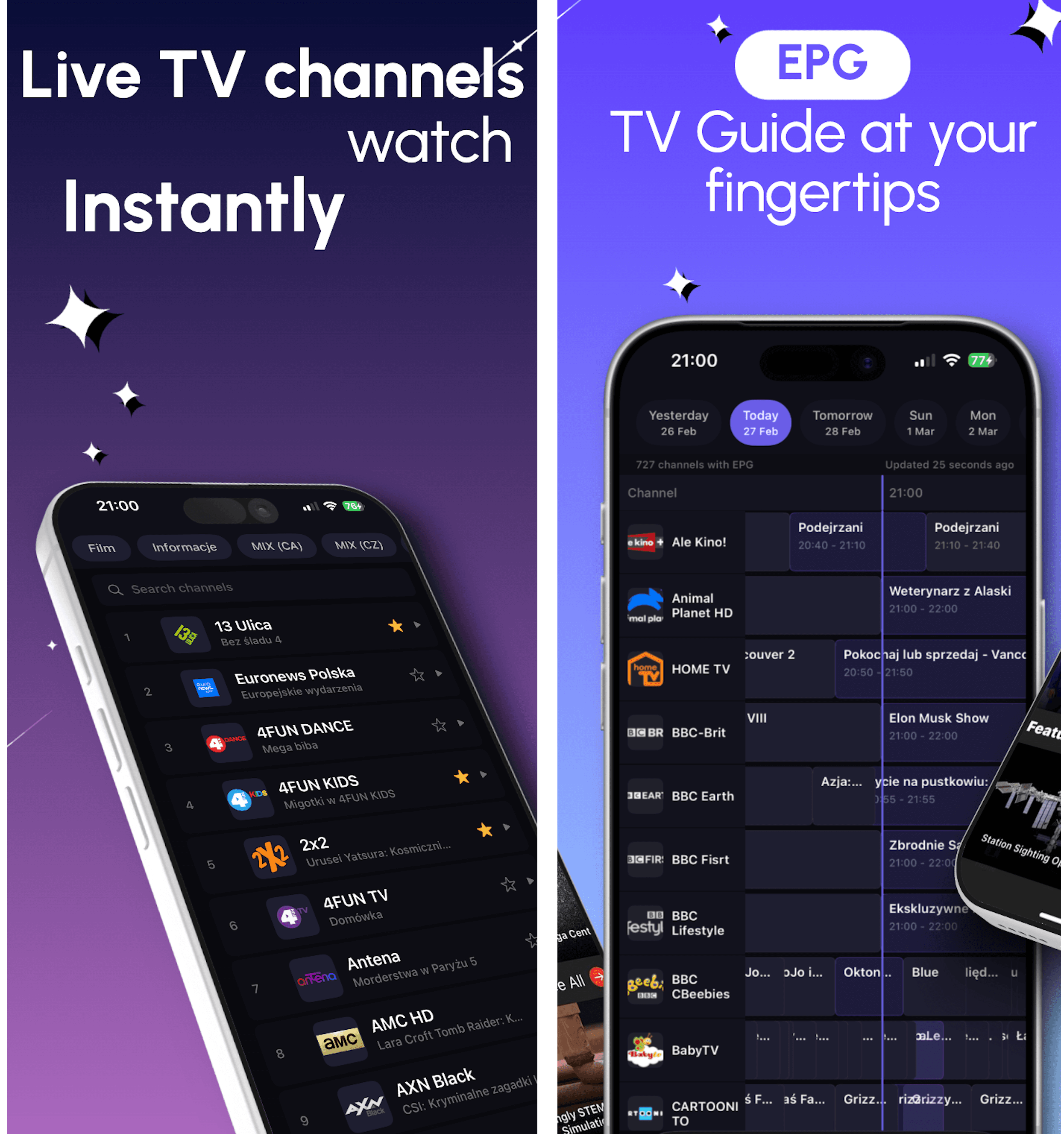
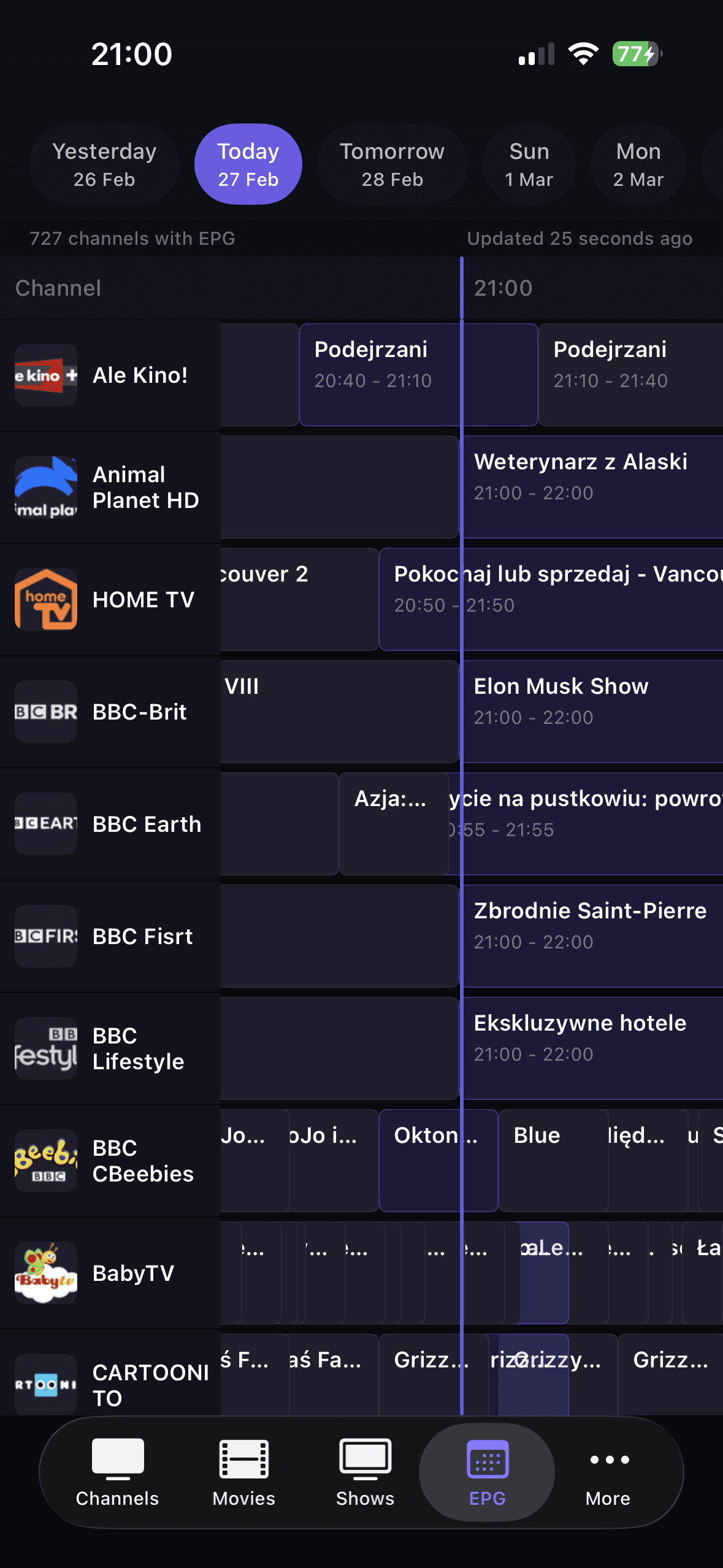
Player, favoritos, pesquisa e EPG funcionam juntos para que a visualização diária seja rápida e previsível.
Fontes suportadas
DaddyTV permite adicionar a lista de reprodução IPTV e EPG como duas fontes independentes. Isso é importante porque muitos usuários obtêm fluxos de canais de um lugar e dados de guias de TV de outro.
Após a configuração
Guias detalhados
Use these landing pages when you already know the source format you want to run in DaddyTV: M3U, Xtream Codes, Stalker, or XMLTV EPG.
DaddyTV works as an M3U player for people who want one app for live TV, movies, shows, and optional EPG instead of a raw playlist viewer.
DaddyTV works as an Xtream Codes player that keeps setup clear and playback fast across live channels and VOD.
DaddyTV supports Stalker portals for users who want the same IPTV app across mobile devices without rebuilding their setup around another format.
DaddyTV keeps XMLTV EPG separate from playlist setup, so you can build guide support around the IPTV source you already use.
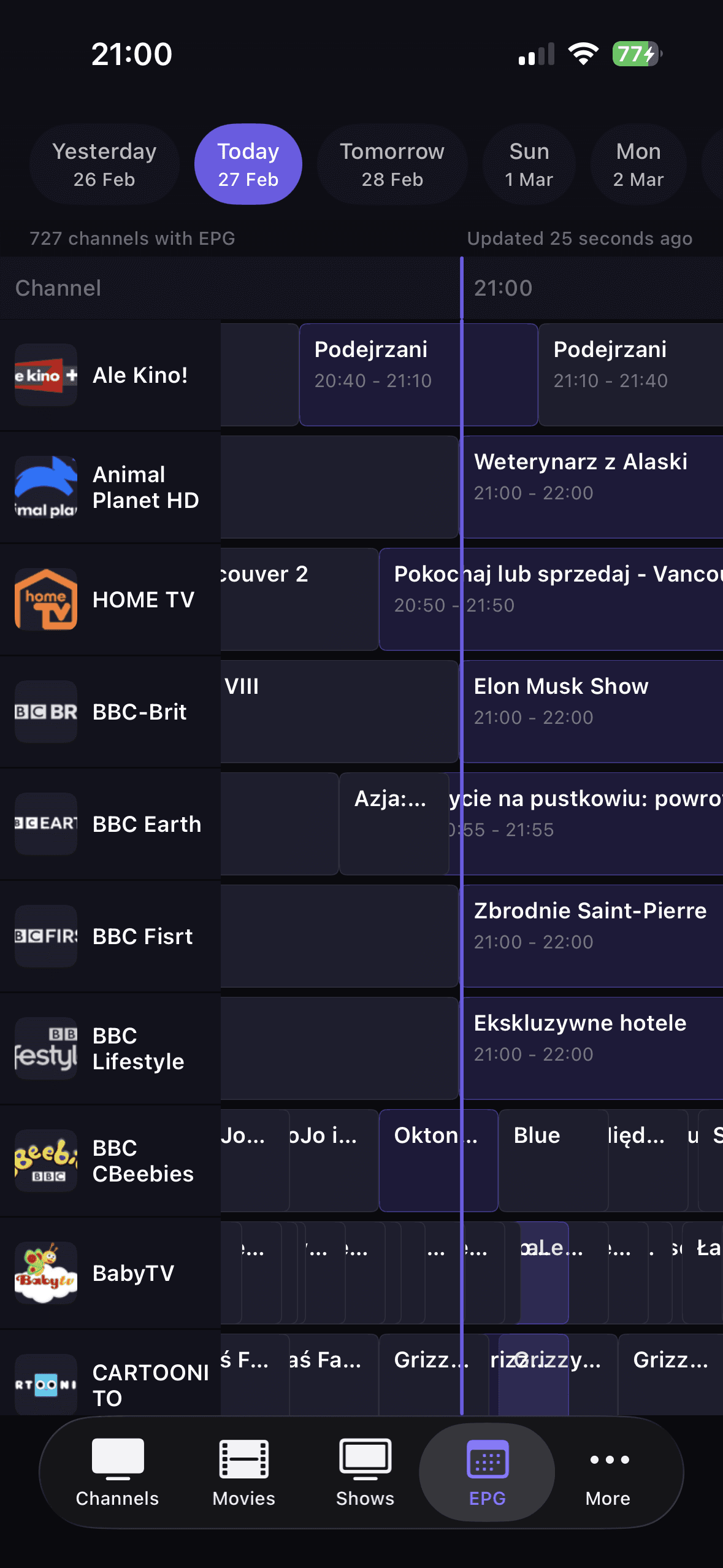
O guia de TV só ajuda quando é rápido e opcional. É por isso que o XMLTV no DaddyTV funciona como uma fonte separada, não como uma parte forçada de cada configuração.
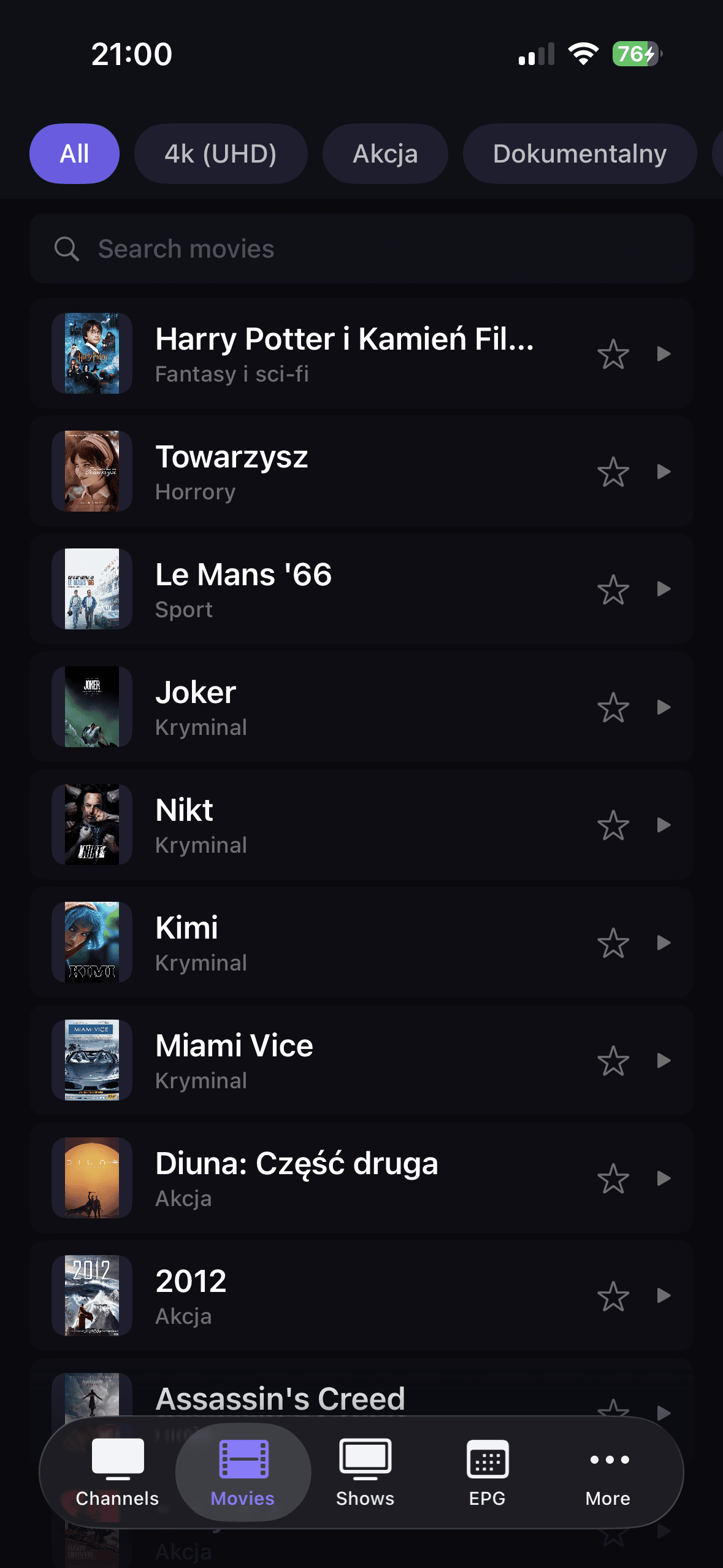
Após a configuração, você não precisa trocar de aplicativo. Canais, filmes e programas permanecem organizados, mas ainda funcionam em um fluxo de reprodução consistente.
Sim. XMLTV EPG é adicionado como uma fonte separada, portanto você não precisa modificar a lista de reprodução em si.
DaddyTV suporta listas de reprodução M3U, contas Xtream Codes e portais Stalker.
Sim. Você pode navegar por canais, filmes e programas ao vivo no mesmo aplicativo.
O EPG ajuda você a rastrear as transmissões atuais e futuras, voltar aos canais com mais rapidez e manter a exibição diária organizada.
Se você deseja a melhor versão do DaddyTV para o seu dispositivo, abra os guias da plataforma para iOS, Android e Android TV.