
Melhor para
- People who want one IPTV player for Android phones or tablets
- Users who switch between live TV, movies, and shows throughout the day
- Anyone who needs fast search, favorites, and optional EPG
Reprodutor IPTV Android
Procurando um reprodutor de IPTV para Android? DaddyTV permite que você use sua própria fonte M3U, Xtream Codes ou Stalker para TV ao vivo, filmes, programas, EPG, favoritos e um fluxo de player mais limpo em um aplicativo.
Instale o DaddyTV do Google Play, adicione sua própria lista de reprodução M3U, conta Xtream Codes ou portal Stalker e use TV ao vivo, filmes, programas e EPG XMLTV a partir de um layout criado para visualização rápida no dia a dia no Android. DaddyTV é um player, não um provedor de conteúdo.
Melhor para
Formatos suportados
O que você pode fazer nesta plataforma
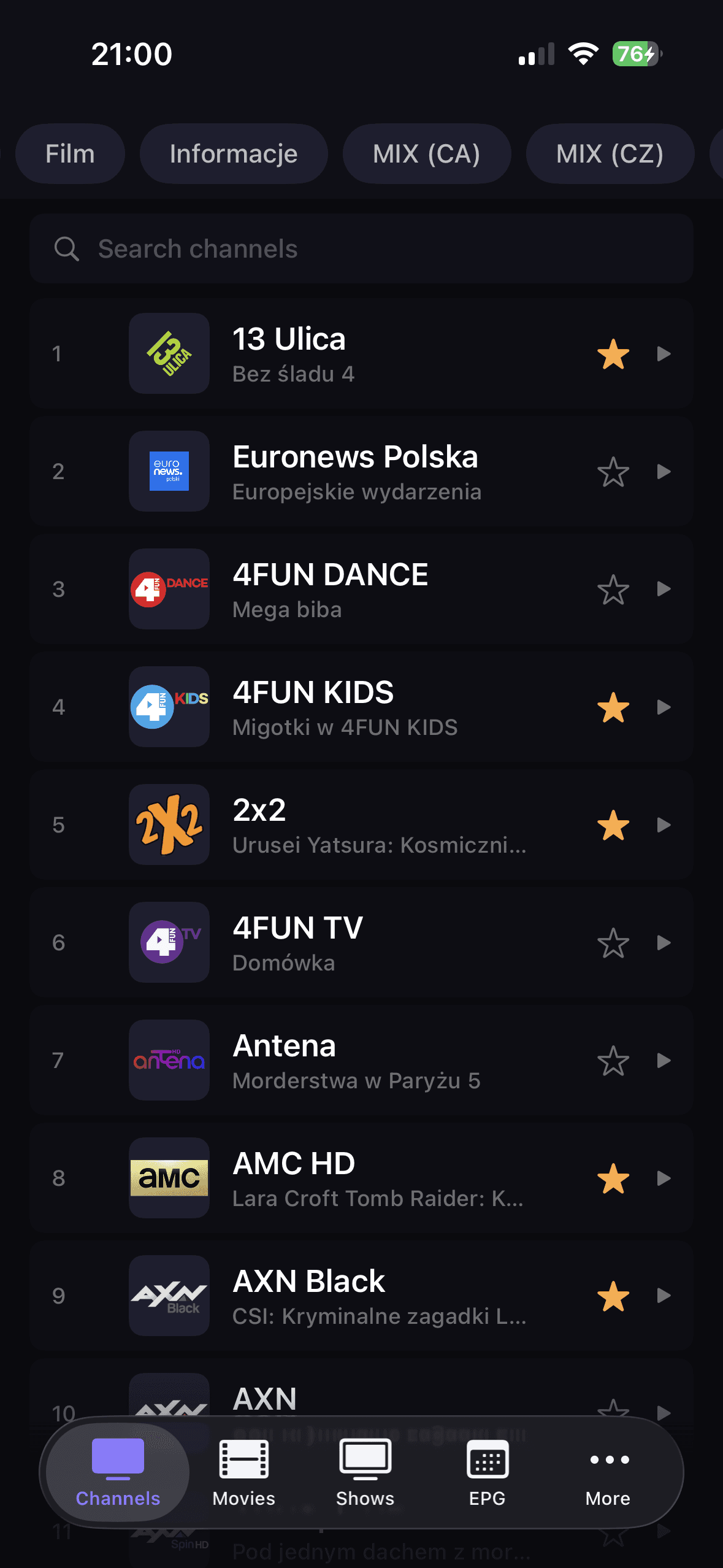
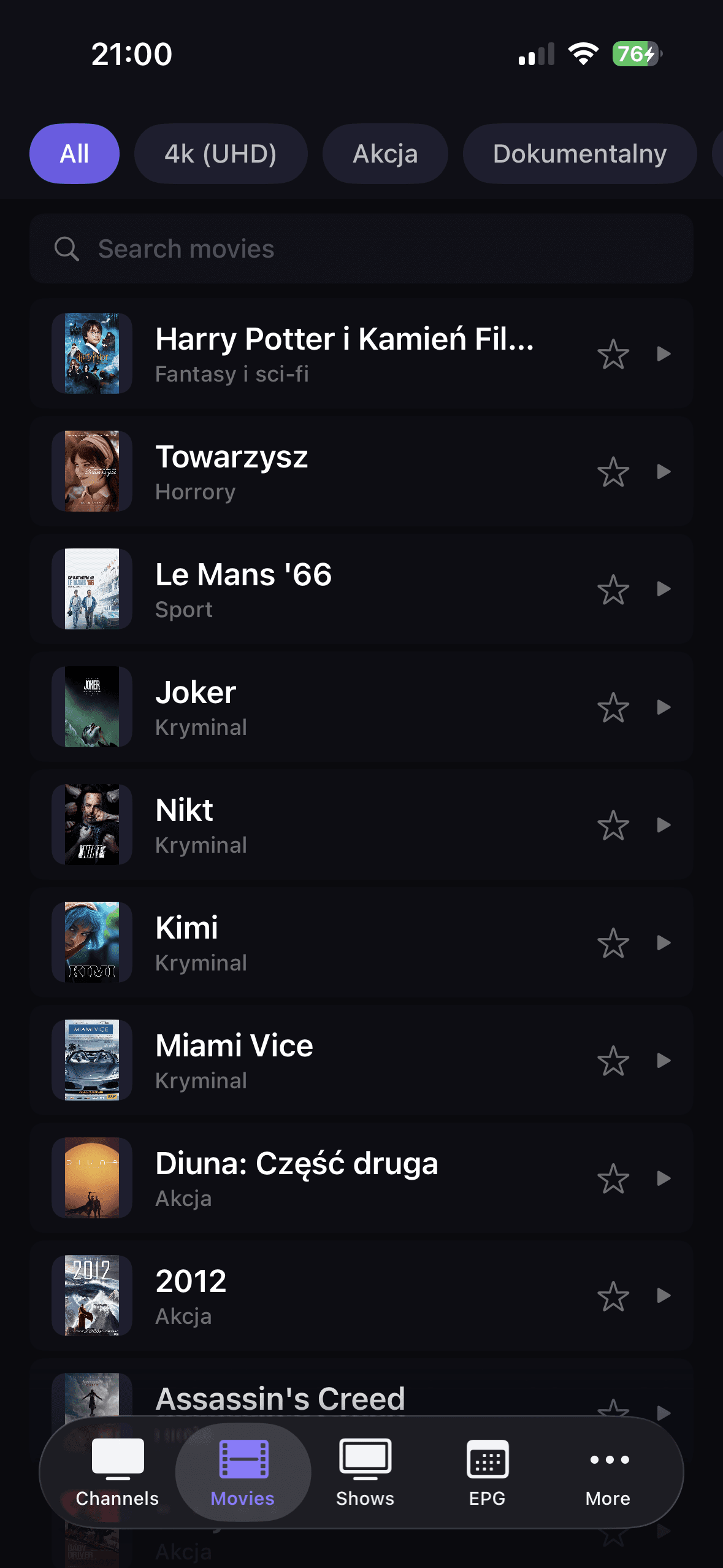
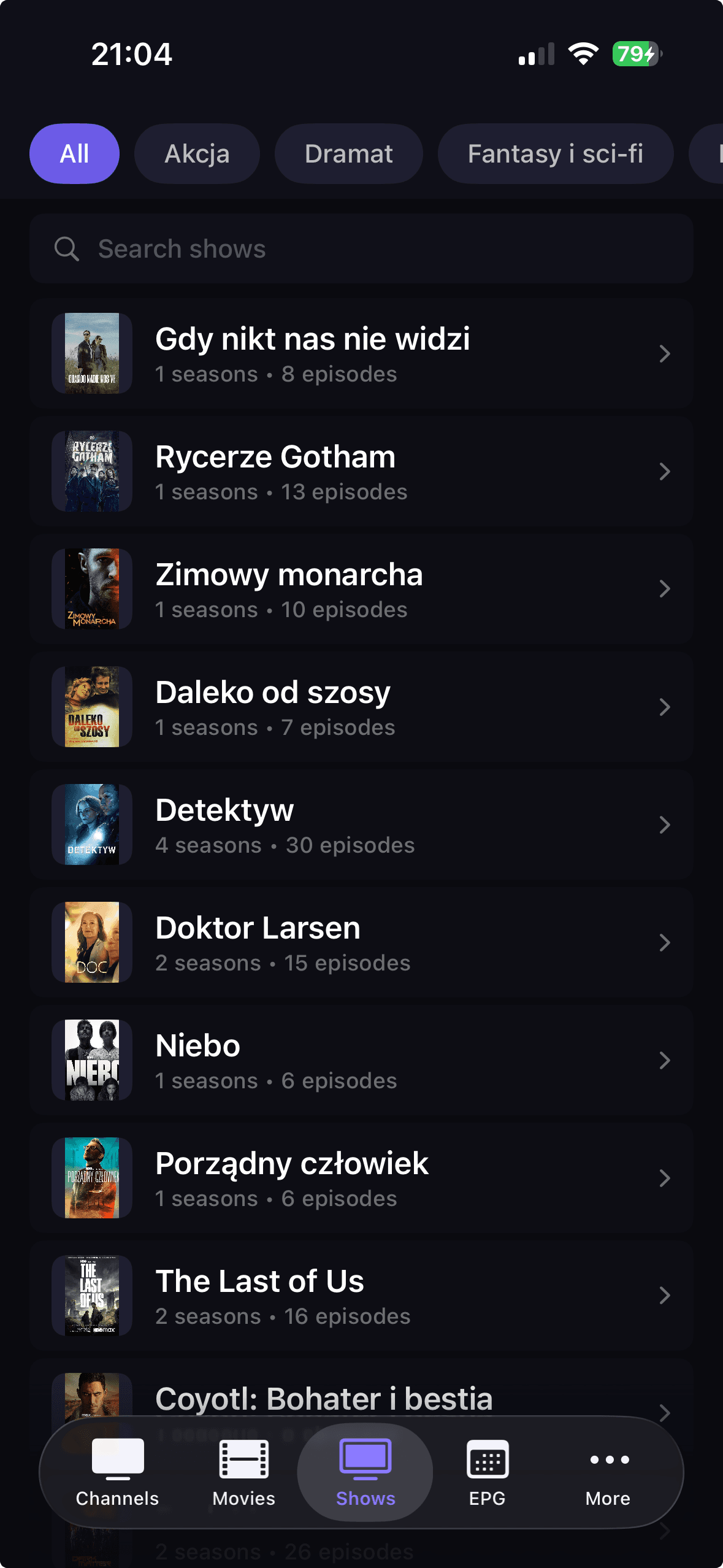
DaddyTV separa canais ao vivo, filmes e programas em seções claras, por isso é mais fácil encontrar conteúdo e evitar uma visualização de lista de reprodução muito grande.
Adicione M3U, Xtream Codes ou Stalker, atualize sua biblioteca e passe para a reprodução sem depender de várias ferramentas de IPTV separadas.
Conecte o XMLTV EPG aos favoritos e pesquise para criar um caminho mais rápido de volta ao TV Guide e ao conteúdo que você assiste com mais frequência.
Como começar
Download DaddyTV from Google Play on your Android phone or tablet.
Add your source with M3U, Xtream Codes, or Stalker.
Optionally connect XMLTV EPG to enable TV Guide.
Set favorites and start watching live TV, movies, or shows.
Telas principais
FAQ
Sim. DaddyTV suporta listas de reprodução M3U, contas Xtream Codes e portais Stalker.
Sim. XMLTV EPG é opcional e funciona independentemente da fonte da sua playlist.
Sim. A versão Android foi projetada para telefones e tablets.
Não. DaddyTV é um reprodutor de IPTV e usa apenas fontes adicionadas pelo usuário.
Use sua própria lista de reprodução M3U, conta Xtream Codes ou portal Stalker em telefones e tablets Android com TV ao vivo, filmes, programas e XMLTV EPG em um player de IPTV.