
Best for
- Users whose provider gives them a Stalker portal instead of M3U or Xtream details
- People who want to keep Stalker as their source but improve the mobile playback experience
- Anyone who wants one IPTV app across iPhone, iPad, and Android
Stalker Portal Player
DaddyTV supports Stalker portals for users who want the same IPTV app across mobile devices without rebuilding their setup around another format.
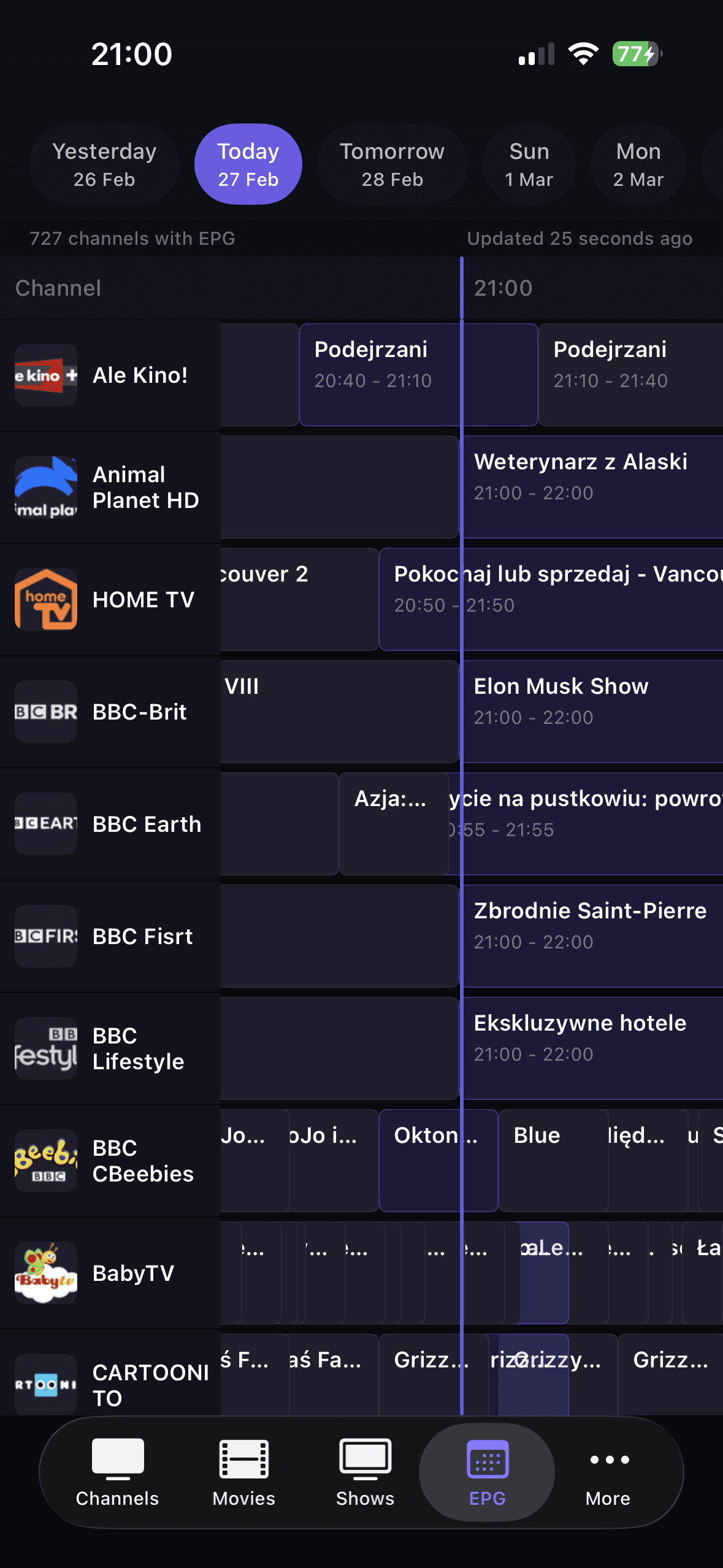
Set up DaddyTV with your Stalker portal details, then move into live TV, movies, and shows from one cleaner mobile flow. XMLTV remains optional, and DaddyTV does not ship any streams or channels.
Best for
Works with
Why this flow works
DaddyTV lets you keep the portal format your provider already uses while still getting a cleaner app experience on mobile.
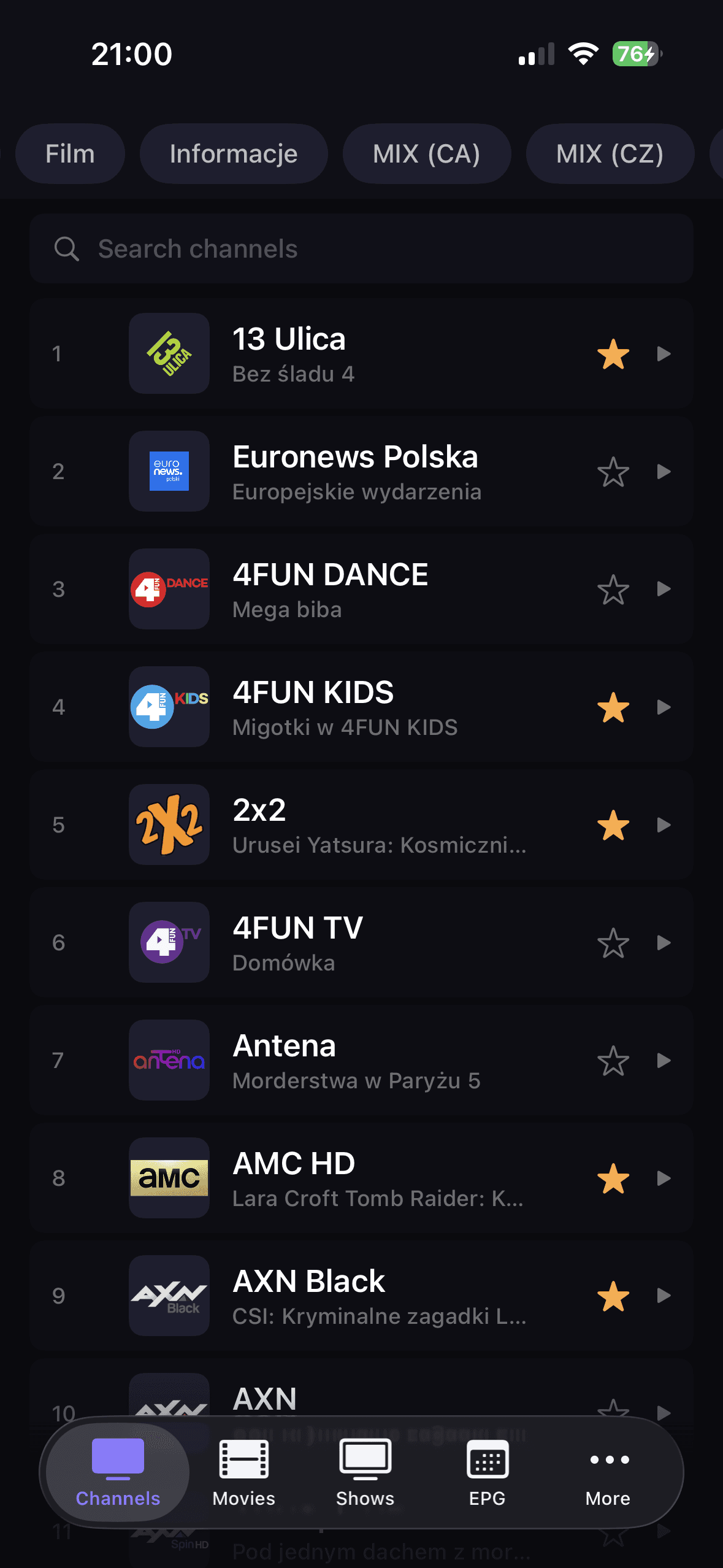
Favorites, categories, and a clearer playback path help Stalker feel more manageable on phones and tablets.
When you want stronger guide coverage, XMLTV can be added as a separate source instead of forcing one monolithic setup.
How to get started
Choose Stalker during setup in DaddyTV.
Enter the portal details required by your IPTV source.
Finish setup and open live channels, movies, or shows.
Add XMLTV later if you want a separate guide source.
Core screens
FAQ
Yes. DaddyTV supports Stalker as one of the IPTV source types available in the app.
Yes. DaddyTV is built to support the same Stalker source across supported mobile devices.
No. DaddyTV is only the player layer for sources you already own or are allowed to use.
Important
DaddyTV does not provide Stalker portals or subscriptions. It is only the player interface for user-provided access.
Related resources
Use these supporting hubs to compare source formats, clarify IPTV terminology, and jump into the right troubleshooting path without losing setup context.
Compare M3U, Xtream Codes, Stalker, and XMLTV in one evergreen guide.
Open guideThe fastest path from symptom to the right diagnostic or setup guide.
Open guidePlain-language definitions for the terms users hit during setup and troubleshooting.
Open guideRelated guides
DaddyTV works as an M3U player for people who want one app for live TV, movies, shows, and optional EPG instead of a raw playlist viewer.
Open guideDaddyTV works as an Xtream Codes player that keeps setup clear and playback fast across live channels and VOD.
Open guideDaddyTV keeps XMLTV EPG separate from playlist setup, so you can build guide support around the IPTV source you already use.
Open guideUse your own Stalker portal in DaddyTV on iPhone, iPad, and Android with live TV, movies, shows, favorites, and optional XMLTV EPG.