
Best for
- Users who already have an IPTV source but want better TV guide coverage
- People who prefer optional guide setup instead of baking it into the playlist import
- Anyone who wants current and upcoming program context while browsing live channels
XMLTV EPG Guide
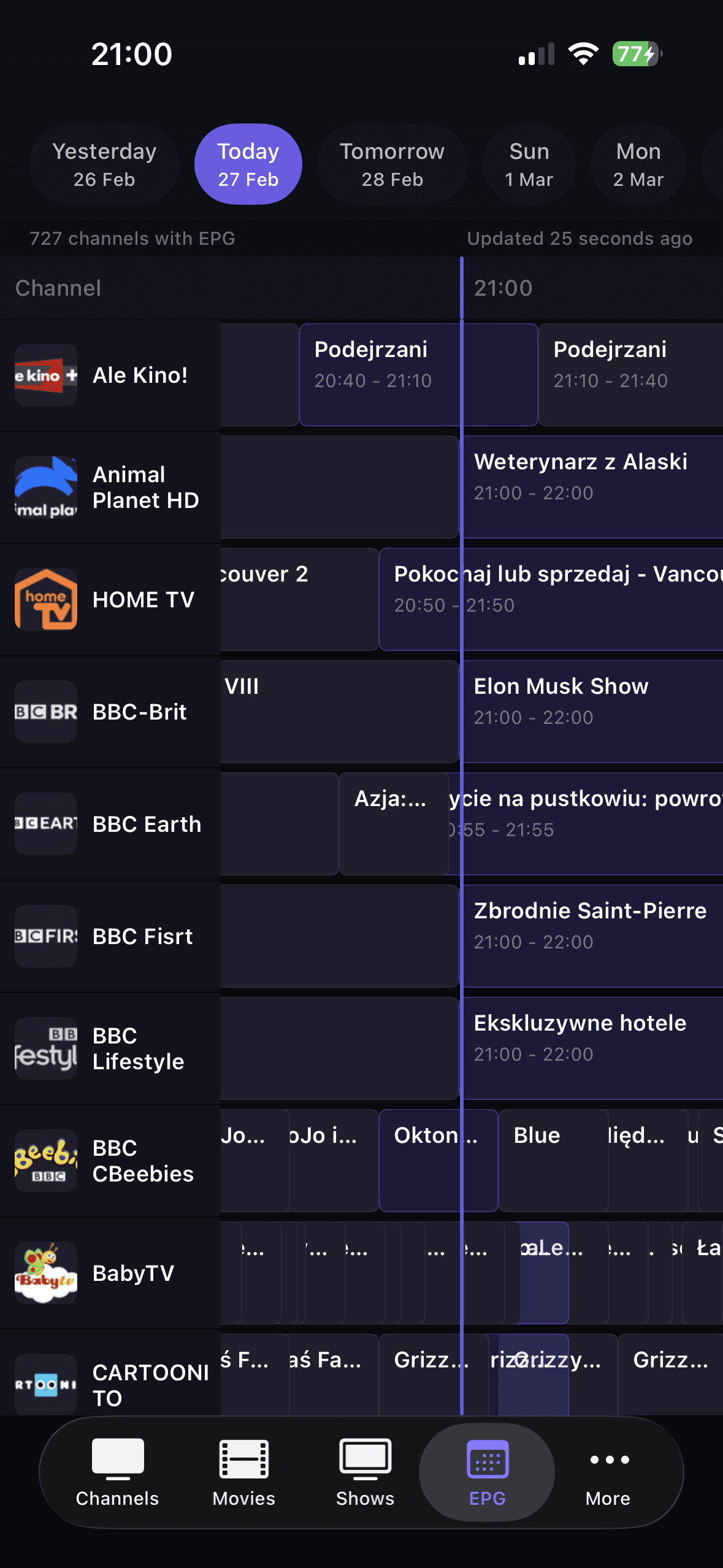
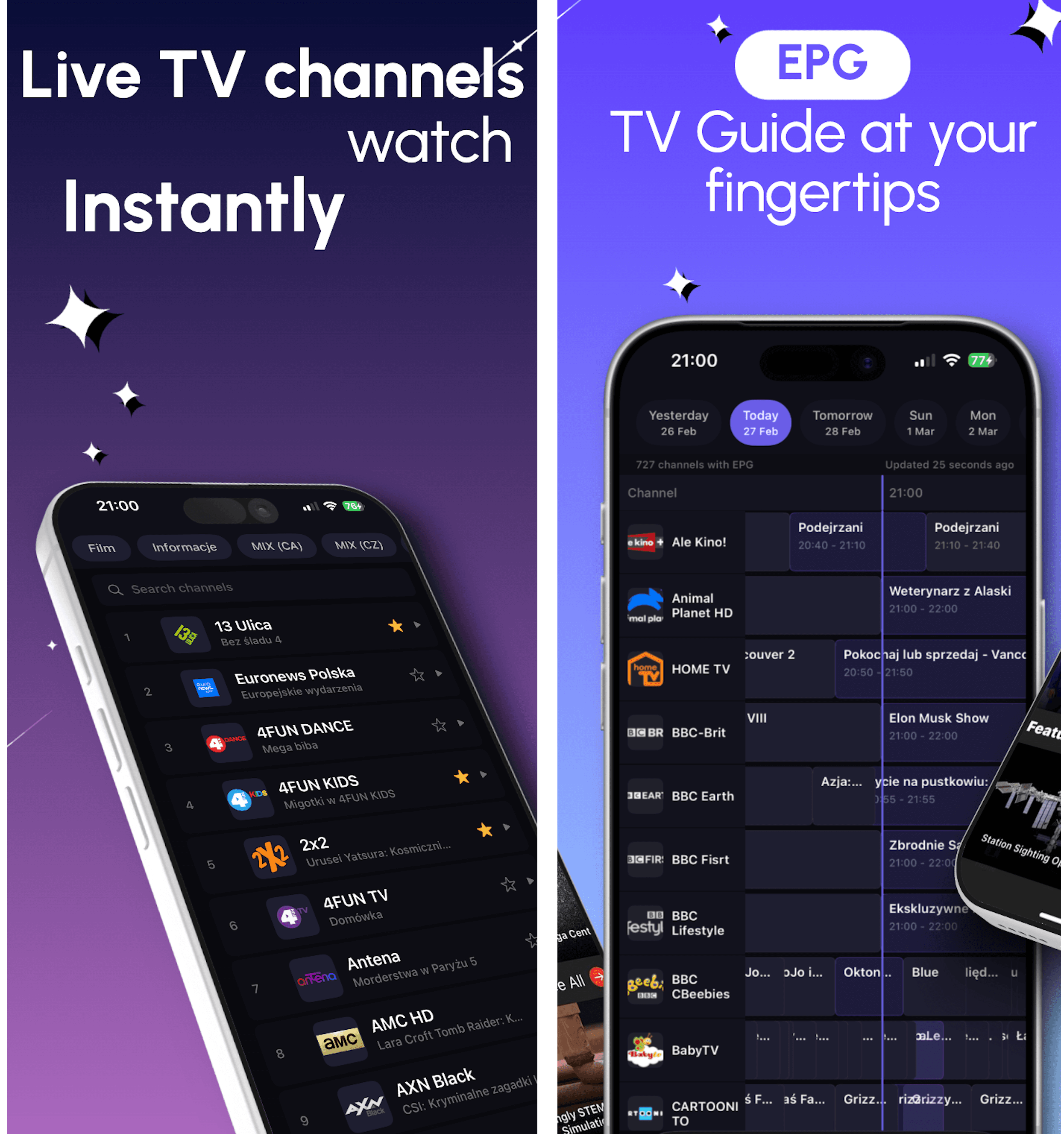
DaddyTV keeps XMLTV EPG separate from playlist setup, so you can build guide support around the IPTV source you already use.
Connect XMLTV only when you want TV guide. DaddyTV supports guide data as a separate layer on top of M3U, Xtream Codes, or Stalker, which keeps playback setup more flexible.
Best for
Works with
Why this flow works
DaddyTV does not force EPG into the playlist import. XMLTV can be connected when you need TV guide and skipped when you do not.
M3U, Xtream Codes, and Stalker can all benefit from XMLTV when you want better current and next-program visibility.
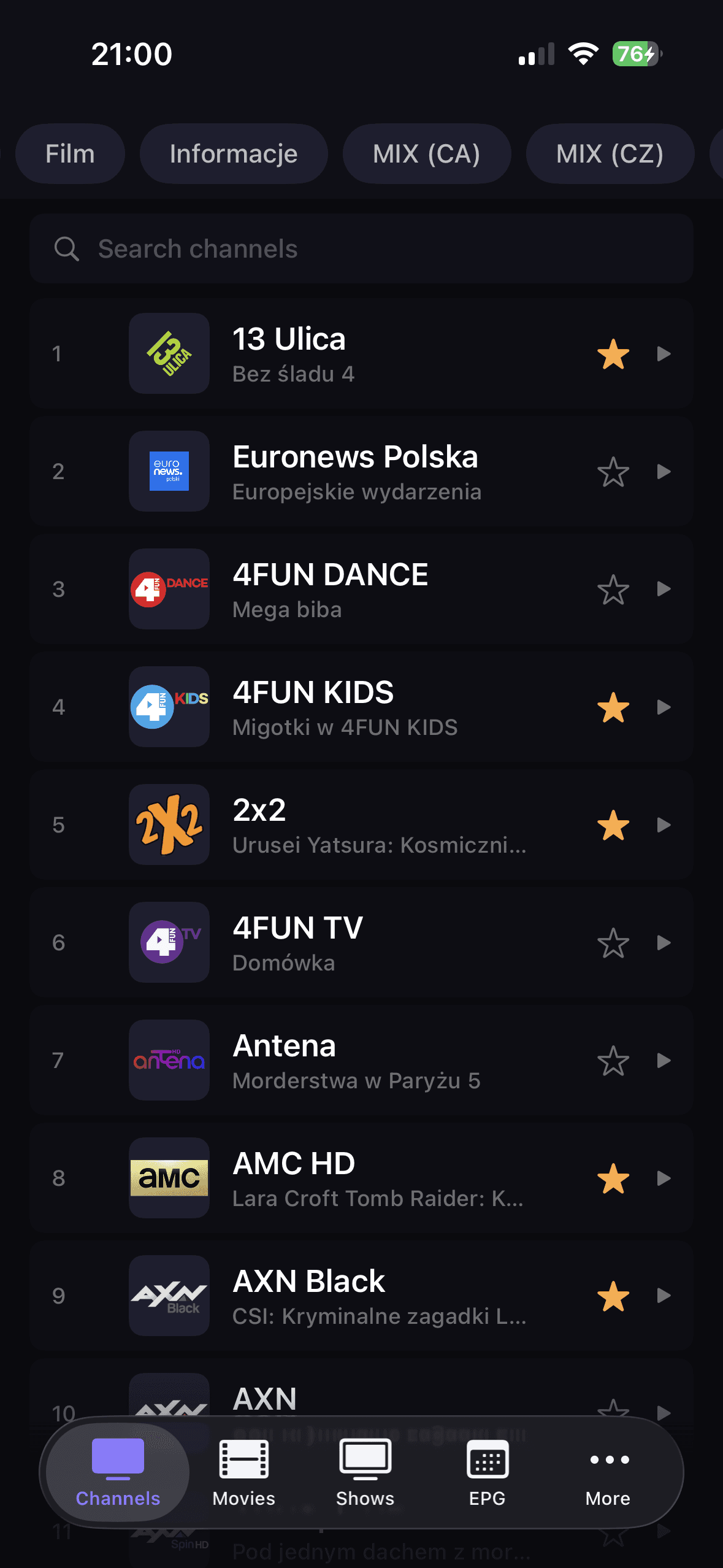
Guide data is most useful when it helps you jump back into channels quickly. That is where favorites, categories, and DaddyTV's layout help most.
How to get started
Set up your IPTV source first in DaddyTV.
Open EPG setup and add your XMLTV source separately.
Refresh guide data and open live channels.
Use now and next context to return to content faster.
Core screens
FAQ
Yes. DaddyTV treats XMLTV as a separate setup layer on top of your IPTV source.
Yes. DaddyTV is designed to use XMLTV together with M3U, Xtream Codes, and Stalker setups.
No. EPG is optional. You can use DaddyTV without guide data and add XMLTV later when needed.
Important
DaddyTV does not provide XMLTV feeds, channels, or playlists. It only lets you connect guide data to sources you already use.
Related resources
Use these supporting hubs to compare source formats, clarify IPTV terminology, and jump into the right troubleshooting path without losing setup context.
Compare M3U, Xtream Codes, Stalker, and XMLTV in one evergreen guide.
Open guideThe fastest path from symptom to the right diagnostic or setup guide.
Open guidePlain-language definitions for the terms users hit during setup and troubleshooting.
Open guideRelated guides
DaddyTV works as an M3U player for people who want one app for live TV, movies, shows, and optional EPG instead of a raw playlist viewer.
Open guideDaddyTV works as an Xtream Codes player that keeps setup clear and playback fast across live channels and VOD.
Open guideDaddyTV supports Stalker portals for users who want the same IPTV app across mobile devices without rebuilding their setup around another format.
Open guideAdd XMLTV EPG to DaddyTV on iPhone, iPad, and Android and use TV guide alongside M3U, Xtream Codes, or Stalker sources.