
1. Add your IPTV source
DaddyTV supports M3U playlists, Xtream Codes accounts, and Stalker portals, so you can start with the source you already use.
Setup + EPG + playback
Learn how to add an M3U or Xtream Codes playlist, configure XMLTV EPG, and watch live channels, movies, and shows in DaddyTV.
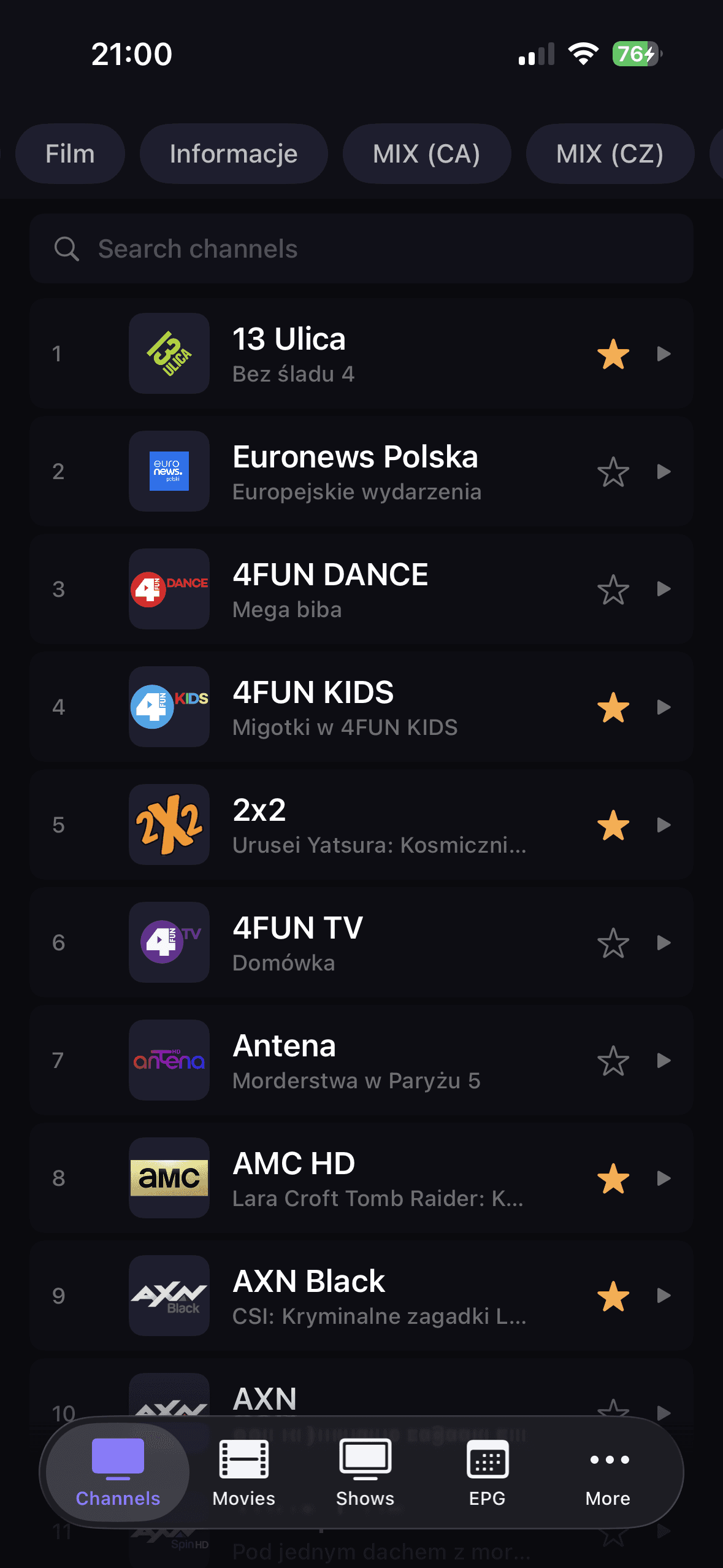
DaddyTV supports M3U playlists, Xtream Codes accounts, and Stalker portals, so you can start with the source you already use.
XMLTV is configured independently from the playlist. That keeps guide setup optional and flexible.
Channels, movies, and shows live in separate sections, so it is easier to reach the right content quickly.
Player, favorites, search, and EPG work together so everyday viewing feels fast and predictable.
Supported sources
DaddyTV lets you add the IPTV playlist and EPG as two independent sources. That matters because many users get channel streams from one place and TV guide data from another.
After setup
Detailed guides
Use these landing pages when you already know the source format you want to run in DaddyTV: M3U, Xtream Codes, Stalker, or XMLTV EPG.
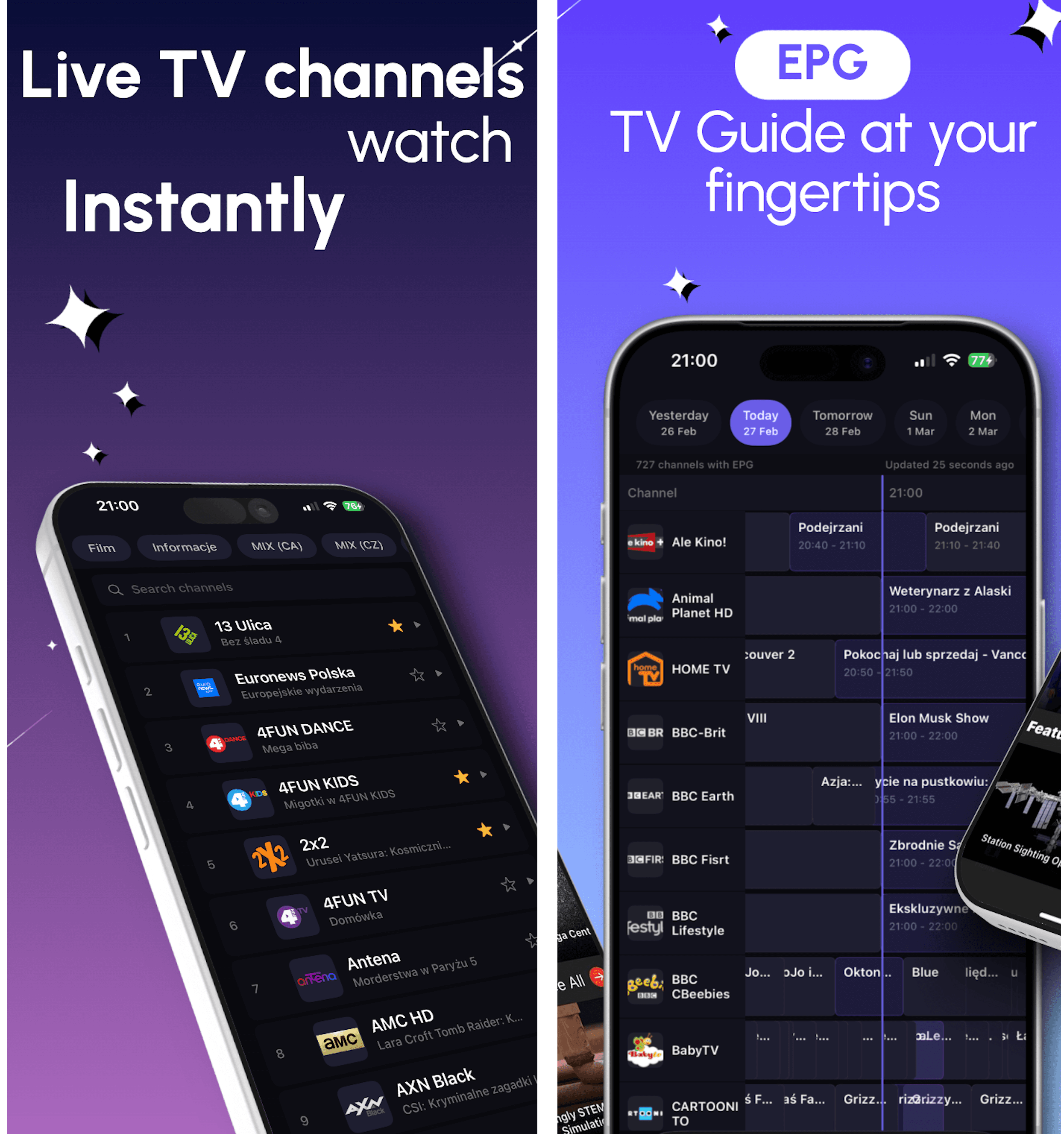
DaddyTV works as an M3U player for people who want one app for live TV, movies, shows, and optional EPG instead of a raw playlist viewer.
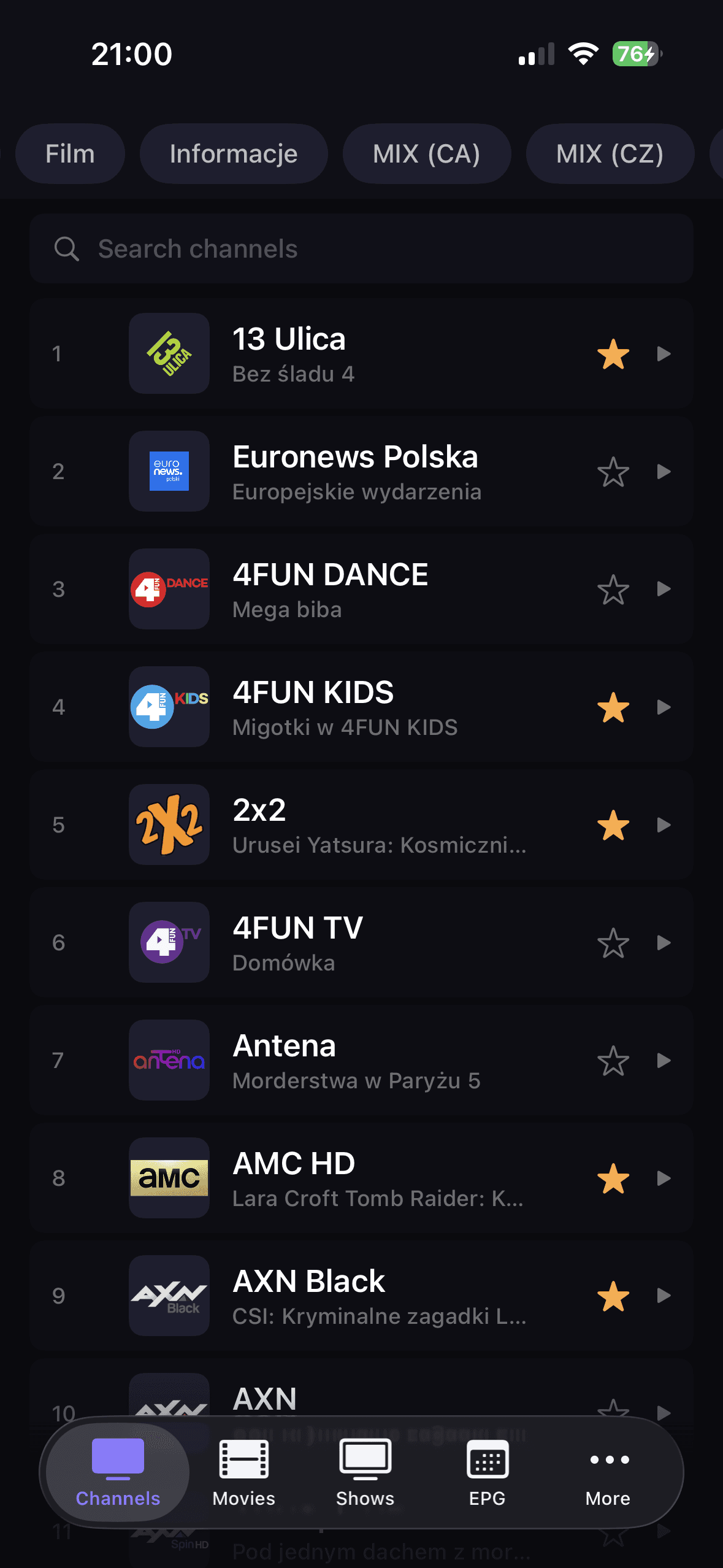
DaddyTV works as an Xtream Codes player that keeps setup clear and playback fast across live channels and VOD.
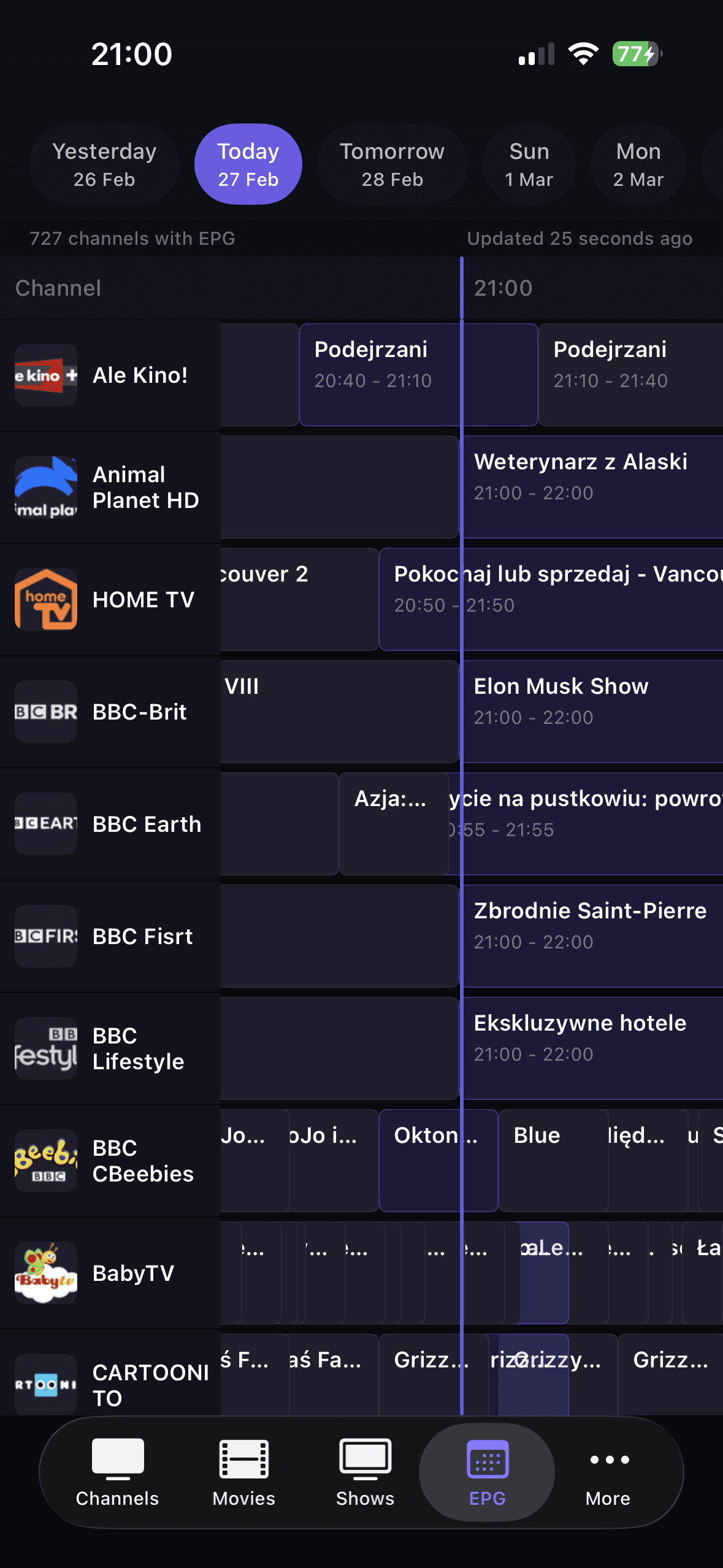
DaddyTV supports Stalker portals for users who want the same IPTV app across mobile devices without rebuilding their setup around another format.
DaddyTV keeps XMLTV EPG separate from playlist setup, so you can build guide support around the IPTV source you already use.
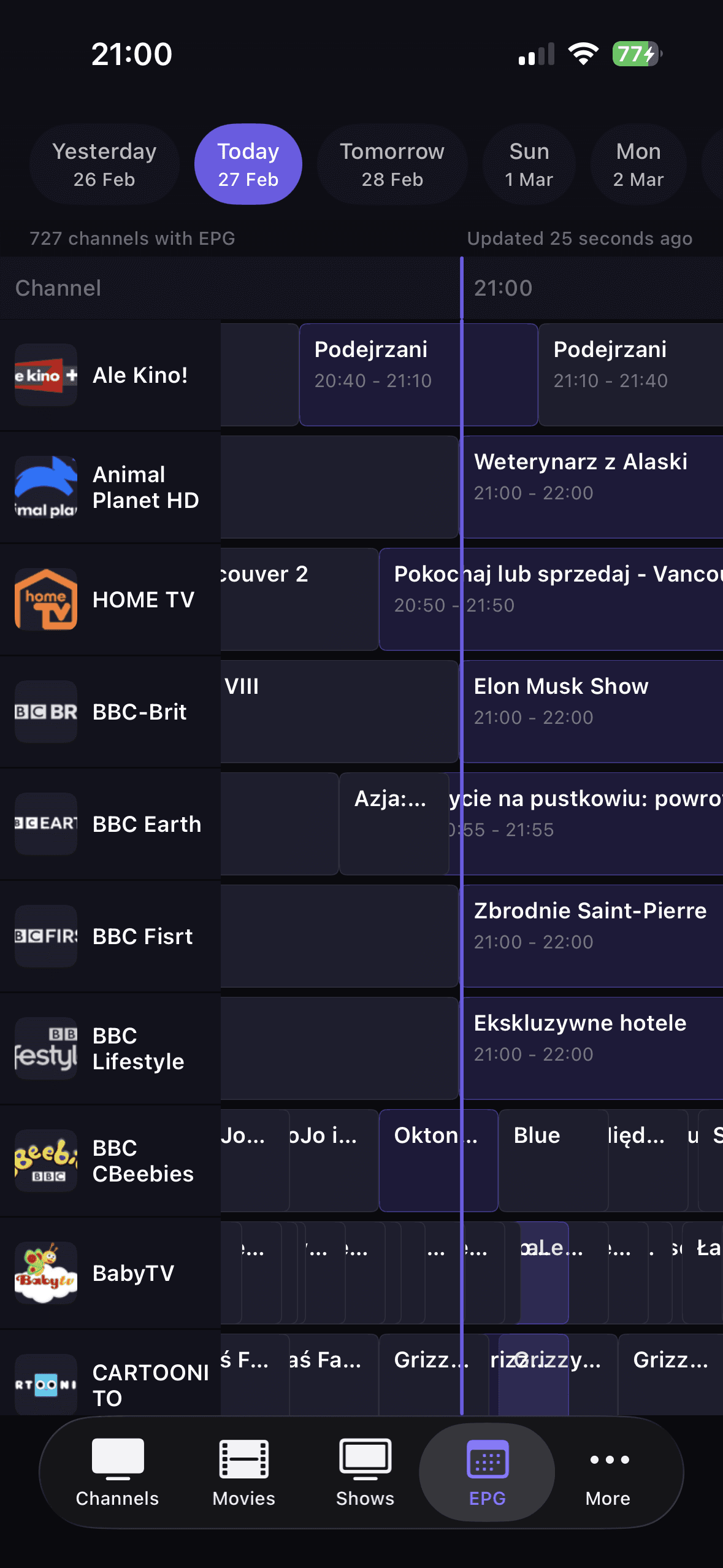
TV guide only helps when it stays fast and optional. That is why XMLTV in DaddyTV works as a separate source, not a forced part of every setup.
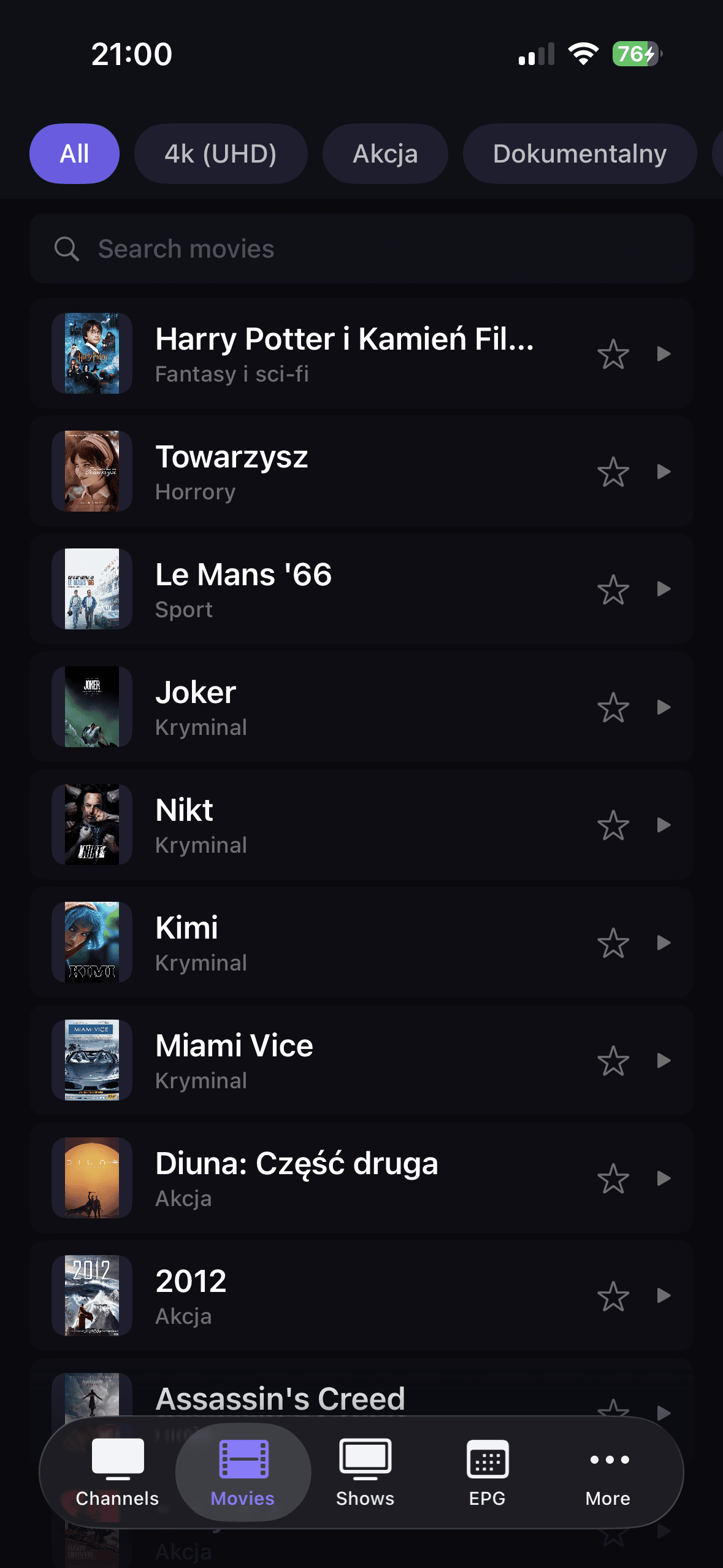
After setup you do not need to switch apps. Channels, movies, and shows stay organized, but still work within one consistent playback flow.
Resources
These pages help users move from first setup into the right comparison, glossary, or troubleshooting path without losing context.
Compare M3U, Xtream Codes, Stalker, and XMLTV in one evergreen guide.
Open guidePlain-language definitions for the terms users hit during setup and troubleshooting.
Open guideThe fastest path from symptom to the right diagnostic or setup guide.
Open guideUnderstand what changes between iPhone, Android, and Android TV setups.
Open guideYes. XMLTV EPG is added as a separate source, so you do not need to modify the playlist itself.
DaddyTV supports M3U playlists, Xtream Codes accounts, and Stalker portals.
Yes. You can browse live channels, movies, and shows in the same app.
EPG helps you track current and upcoming broadcasts, jump back into channels faster, and keep daily watching organized.
If you want the best DaddyTV version for your device, open the platform guides for iOS, Android, and Android TV.